
For individual owners and families managing a small number of properties, Mypropertycommandcenter is the clearest recommendation. It's built specifically for owners, not agencies, with a dashboard that pulls together property status, maintenance schedules, a vendor directory, a document vault, and smart alerts in one place. Setup is self-serve, and the 14-day free trial requires no credit card.
Two things to do right now:
- Start the free trial at Mypropertycommandcenter and explore the dashboard before committing.
- Prepare a one-page property inventory (address, key contacts, recent repairs) before you sign up so onboarding takes hours, not days.
Table of Contents
- Why scattered property data costs you more than you think
- Who this recommendation actually fits
- What features should you require before signing up?
- What pricing and trial offers look like for US owners
- Common mistakes owners make when choosing property software
- How to choose confidently: questions to ask during any trial
- What onboarding actually looks like, step by step
- The verdict: which tool should you start with?
- Key Takeaways
- Why the "best software" question is usually the wrong one
- Mypropertycommandcenter: built for owners, ready in a week
- Useful sources
Why scattered property data costs you more than you think
A single missed HVAC filter reminder can turn into a $4,000 repair. That's the real cost of managing properties across a mix of spreadsheets, email threads, and sticky notes. Most owners don't lose money on bad decisions; they lose it on forgotten ones.
The command-center approach frames the most effective owner tools as a single hub that centralizes reminders, documents, and vendor histories to reduce cognitive load. When everything lives in one place, you stop re-discovering the same problem twice.
Common owner pain points before switching to a dedicated tool:
- Searching three email accounts for a contractor's phone number
- Missing seasonal maintenance windows because reminders live in a personal calendar
- Handing off a vacation property to a caretaker with no written vendor history
- Losing warranty documents when a new appliance fails
Mypropertycommandcenter addresses each of these directly. Investopedia's guidance reinforces the point: individual owners should avoid agency-grade platforms that create unnecessary complexity and "analysis paralysis." The right tool for a family portfolio is one designed for that scale, not one scaled down from an enterprise product.
Who this recommendation actually fits
Mypropertycommandcenter is the right fit if you recognize yourself in this list:
- You own a modest portfolio of residential properties, vacation homes, or short-term rentals.
- You want to organize maintenance workflows and documents, not run a leasing agency.
- You prefer self-serve onboarding over a sales call and a three-month implementation.
- You're comfortable with a monthly subscription and want a trial before you pay.
Who should look elsewhere: If you manage a large portfolio, need full-cycle tenant accounting, or require agency-grade reporting for investors, you'll outgrow an owner-focused tool quickly. Enterprise platforms like those reviewed for large portfolios offer those modules but come with monthly minimums and implementation fees that don't make sense for smaller portfolios.
A quick self-check: if your biggest frustration is finding information rather than processing it at scale, an owner-focused tool solves your actual problem.
What features should you require before signing up?
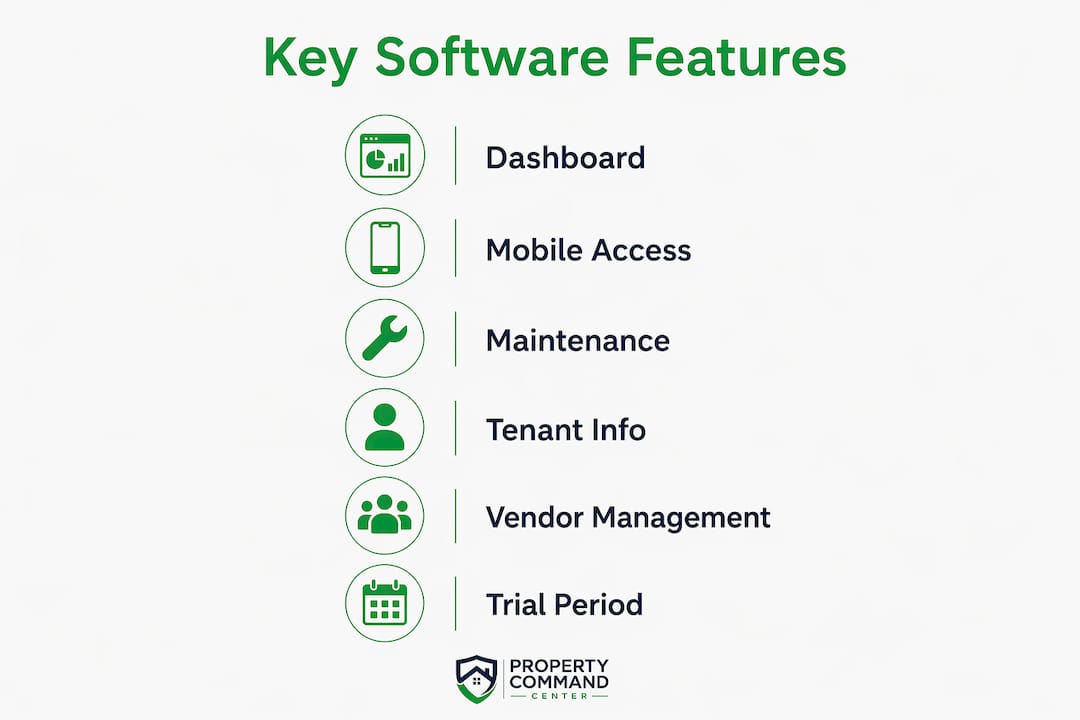
The six features that matter most for individual owners, in priority order:
- Dashboard clarity: Can you see every property's status at a glance without clicking through menus?
- Maintenance scheduling: Does it support recurring tasks with reminders, not just one-off notes?
- Vendor directory: Can you store contact history, not just a phone number?
- Document vault: Warranties, manuals, and insurance certificates should be searchable and encrypted.
- Smart alerts: Push notifications or email alerts for upcoming tasks and overdue items.
- Task tracking: A simple list of open and completed work orders per property.
Beyond the core six, owners often overlook mobile usability. If the app doesn't work well on a phone, you won't use it when you're standing in a driveway talking to a contractor. PDF export and basic expense logging are worth confirming too. Mypropertycommandcenter's alert and reminder system and task workflows are built for exactly this kind of on-the-go use.
Pro Tip: Insist on a self-serve sandbox or demo account. If a vendor requires a sales call before you can see the dashboard, that's a signal the product isn't designed for independent owners.

What pricing and trial offers look like for US owners
Owner-focused tools typically offer a 14-day free trial with no credit card required, so you can validate the dashboard and core workflows before spending anything. That's the standard to expect. If a platform requires a demo call just to see pricing, it's built for agencies, not owners.
Pricing shapes vary significantly:
- Flat monthly tiers (most owner-friendly): one price covers a set number of properties.
- Per-unit pricing with minimums: sounds affordable until the minimum kicks in. One widely reviewed platform starts at $99/month for up to 10 units, which is fine for 8 properties but expensive for 2.
- Free tiers with add-on costs: some tools keep core features free by charging applicants or tenants for screening and payments. Investopedia notes these exist, but the trade-offs depend on how you use them.
Before you commit to any plan, confirm these four things on the pricing page:
- Monthly minimum (does it apply regardless of unit count?)
- Per-unit step-ups (does the price jump at 5, 10, or 20 properties?)
- Add-on fees for payments, document storage, or support tiers
- What's included in the trial vs. what's locked behind a paid plan
The economics shift sharply by portfolio size: per-unit pricing with high monthly minimums can make a platform uneconomical for owners with fewer than 5–10 units. Run the math for your actual property count before you sign.
Common mistakes owners make when choosing property software
The single biggest mistake is buying software built for property management companies. Enterprise platforms often require significant configuration and implementation fees, and the hidden time cost of learning modules you'll never use frequently exceeds any subscription savings.
Three mistakes that show up repeatedly:
- Choosing agency-grade software: Full accounting, tenant portals, and investor reporting sound useful until you realize you're paying for features you'll never open. Start with what you actually need.
- Skipping a real trial: Reading reviews is not the same as importing one property and completing a maintenance workflow. If the trial doesn't let you do that, it's not a real trial.
- Underestimating data migration: Moving warranties, vendor contacts, and repair histories from a spreadsheet takes time. Owners who don't budget for it abandon the switch halfway through.
Pro Tip: During your trial, complete one full vendor directory entry and one maintenance workflow from start to finish. If either feels clunky or takes more than 10 minutes, that's your answer.
How to choose confidently: questions to ask during any trial
Work through this list during your trial period or vendor conversation:
- How long is the free trial, and does it require a credit card?
- Can I onboard myself, or does setup require a call with the vendor?
- How many properties can I add in the trial?
- Does the mobile app support the same features as the desktop version?
- Can I import existing vendor contacts and documents?
- Are maintenance schedules and recurring tasks available on the base plan?
- What integrations exist for accounting or expense tracking?
- Does the platform use two-factor authentication and document encryption?
Red flags to watch for:
- Sales-only demo with no self-serve access
- Pricing that requires a call to confirm
- Monthly minimums that exceed your budget at your current property count
- No mention of data encryption or security practices
Gartner Peer Insights consistently flags customer support responsiveness and onboarding clarity as top buyer concerns. If a vendor can't answer your support question within 24 hours during the trial, assume that's the baseline after you pay.
Quick scoring guide: Green = yes, confirmed in the product. Yellow = unclear, needs follow-up. Red = no, or requires an upgrade. Three or more reds on the list above means the platform isn't the right fit for an owner-scale portfolio.
What onboarding actually looks like, step by step
Simple owner-focused tools onboard in 1–7 days. Sales-led enterprise platforms can take weeks. Purpose-built owner tools prioritize rapid, self-serve onboarding and simpler data migration compared with platforms that require paid implementation.
A realistic timeline for Mypropertycommandcenter:
- Day 0: Sign up, start the trial, explore the dashboard.
- Days 1–2: Import your property inventory (address, type, key details).
- Days 3–5: Add vendor contacts and upload core documents (warranties, insurance).
- Days 5–6: Configure recurring maintenance schedules and set up alerts.
- Day 7: Full daily use. The onboarding flow is designed to get you there without a guide.
Data to prepare before you sign up:
- A list of all properties with addresses and basic details
- Vendor contact list (plumber, electrician, HVAC, landscaper)
- Key documents: warranties, appliance manuals, insurance certificates
- Recent repair history or open maintenance items
The owners who struggle with onboarding are almost always the ones who start without this list ready.
The verdict: which tool should you start with?
Mypropertycommandcenter is the right starting point for most individual owners and families. The feature set matches what owners actually use: a clear property dashboard, maintenance scheduling, a vendor directory, document storage, and alerts. The self-serve setup means you're not waiting on a sales team. The 14-day no-credit-card trial means you can validate all of it before paying.
Sign up, import your one-page property inventory, and spend the first week completing one full maintenance workflow. That's the test.
What success looks like at 30 days:
- Fewer missed repairs because reminders are automated, not calendar-dependent
- All warranties and insurance documents in one searchable location
- A vendor history you can hand to a caretaker or family member without explanation
- No more searching three email accounts for a contractor's number
Key Takeaways
Owner-focused property management software outperforms agency-grade platforms for individual owners because it matches the actual scale and workflow of a family portfolio.
| Point | Details |
|---|---|
| Start with a free trial | Require a 14-day, no-credit-card trial to validate the dashboard before committing. |
| Avoid agency-grade tools | Enterprise platforms create complexity and costs that don't fit portfolios under 20 properties. |
| Six features to demand | Dashboard, maintenance scheduling, vendor directory, document vault, alerts, and task tracking. |
| Onboard in under a week | Prepare your property list, vendor contacts, and documents before signup to finish setup in 1–7 days. |
| Mypropertycommandcenter | Built for individual owners with self-serve onboarding, a 14-day free trial, and all six core features. |
Why the "best software" question is usually the wrong one
Most owners who ask about the best property management software are really asking a different question: how do I stop losing track of things? That's a clarity problem, not a software problem. The right tool doesn't add features; it removes the friction between you and the information you already have.
The conventional wisdom pushes owners toward platforms with the longest feature lists. That's backwards. All-in-one platforms can mask a steep learning curve because they include professional accounting and reporting modules that small owners rarely need. The hidden time cost of navigating those modules often exceeds whatever the subscription saves. An owner with five properties doesn't need investor-grade reporting. They need to know when the HVAC filter was last changed and who to call when it wasn't.
The 14-day trial is the only honest evaluation method. Read reviews, compare pricing, check the feature list, but none of that tells you whether the dashboard makes sense to you at 7 AM before your first coffee. That's the only test that matters.
Mypropertycommandcenter: built for owners, ready in a week
Owners who've spent years juggling spreadsheets and email threads know the real cost isn't the software subscription. It's the hour spent hunting for a contractor's number the night a pipe bursts. Mypropertycommandcenter puts your vendor directory, maintenance history, documents, and alerts in one place, accessible from your phone in under a minute.

The platform is designed for self-serve setup with no sales call required. The 14-day free trial includes no credit card and gives you full access to every core feature. Key features at a glance:
- Owner-focused dashboard with per-property status
- Recurring maintenance schedules and smart alerts
- Vendor directory with contact history
- Document vault for warranties, manuals, and insurance
- Task tracking for open and completed repairs
- Mobile-ready for on-site use
For owners who coordinate with third-party vendors, a vendor management checklist can help you structure what to capture before you import contacts. Start your trial at Mypropertycommandcenter and have your property inventory ready on day one.
Useful sources
- Gartner Peer Insights: Property Management Software Reviews — Aggregated buyer ratings covering support responsiveness and onboarding quality.
- Investopedia: Best Rental Property Management Software — Guidance on avoiding agency-grade platforms and understanding free-tier trade-offs.
- MakerStack: DoorLoop Review — Covers trial standards, pricing floors, and the command-center framing for owner tools.
- MakerStack: Rent Manager Review — Details on per-unit pricing minimums, implementation complexity, and enterprise onboarding costs.
- Mypropertycommandcenter Pricing — Plan tiers, free-trial details, and feature breakdowns for owner portfolios.
- Mypropertycommandcenter Onboarding — Step-by-step setup flow for new owners starting a trial.
- Third-Party Vendor Management Checklist — Practical checklist for structuring vendor contacts and onboarding third-party contractors.