
For individual owners and families managing a handful of properties, Property Command Center is the best vacation rental software available today. It skips the enterprise complexity and delivers exactly what self-managing owners actually need: a clean dashboard for maintenance, tasks, vendor contacts, and documents, all in one place.
- Maintenance and task automation with recurring reminders so nothing slips through
- Document vault for warranties, insurance policies, and appliance manuals
- Vendor directory to keep contractor contacts and contracts organized
- Fast onboarding with no credit card required for the free trial
- Onboarding resources and dedicated Tasks and Vendors feature pages to get you operational quickly
Table of Contents
- Who should use this guide — and who should skip enterprise tools
- What features actually matter for maintenance-first owners
- How Property Command Center maps to the checklist, feature by feature
- Pricing, onboarding, and realistic setup time
- Common mistakes owners make when choosing rental software
- Key Takeaways
- Why the "feature count" trap hurts individual owners most
- Property Command Center: start your free trial today
- Useful resources and product pages
Who should use this guide — and who should skip enterprise tools
This guide is written for U.S.-based individual property owners, families managing two to five homes, and short-term rental hosts who handle their own operations. If you are coordinating HVAC service calls, tracking appliance warranties across properties, and keeping a vendor list in a spreadsheet, you are exactly who this is for.
Your day-to-day needs are specific: recurring maintenance scheduling, a place to store documents, a way to track vendor contacts, and a simple task list you can check on your phone. The right software depends on your operational needs and portfolio scale, and for a portfolio of one to five properties, enterprise-grade platforms built for professional property management companies add cost and complexity you will never use.
Pro Tip: If a platform's onboarding requires a dedicated IT setup session or a multi-day training call, that is a signal it was built for a team, not an individual owner. Walk away.
Independent hosts see the most immediate value from platforms that prioritize quick training, simple interfaces, and clear support channels over feature depth. That is the lens this guide uses throughout.
What features actually matter for maintenance-first owners
Not every feature on a software checklist earns its place. For self-managing owners, a handful of capabilities do most of the work.

| Feature | Why it matters |
|---|---|
| Recurring maintenance tasks | Prevents missed HVAC filters, gutter cleanings, and seasonal inspections |
| Document vault | Stores insurance, warranties, and manuals so vendors can access them fast |
| Vendor/contact directory | Keeps contractor names, numbers, and notes in one searchable place |
| Smart alerts and reminders | Pushes notifications before a deadline, not after |
| Calendar sync / import-export | Avoids double bookings across Airbnb, Vrbo, and Booking.com |
| Mobile app | Lets you approve tasks and check property status from anywhere |
| Payment processing | Tracks guest payments with clear confirmation workflows |
| Reporting | Shows occupancy rates and basic financials without a spreadsheet |
Beyond the table, a few secondary features round out a solid setup:
- Automated guest messaging cuts response time and keeps communication consistent
- Secure payment processing protects both owner and guest financial data
- Occupancy and financial reporting helps with tax prep and annual planning
A central document vault for insurance policies, appliance manuals, and warranties is critical for smooth vendor handoffs. And robust task and maintenance tracking with recurring reminders is what most reduces daily stress for multi-property owners. Connecting to two or more booking channels can also lift revenue meaningfully: Lodgify reports revenue increases when owners sync across multiple platforms, which underscores why calendar integration belongs on any serious checklist.
For exterior maintenance specifics, a building exterior maintenance checklist is a practical reference for what to schedule inside your software.
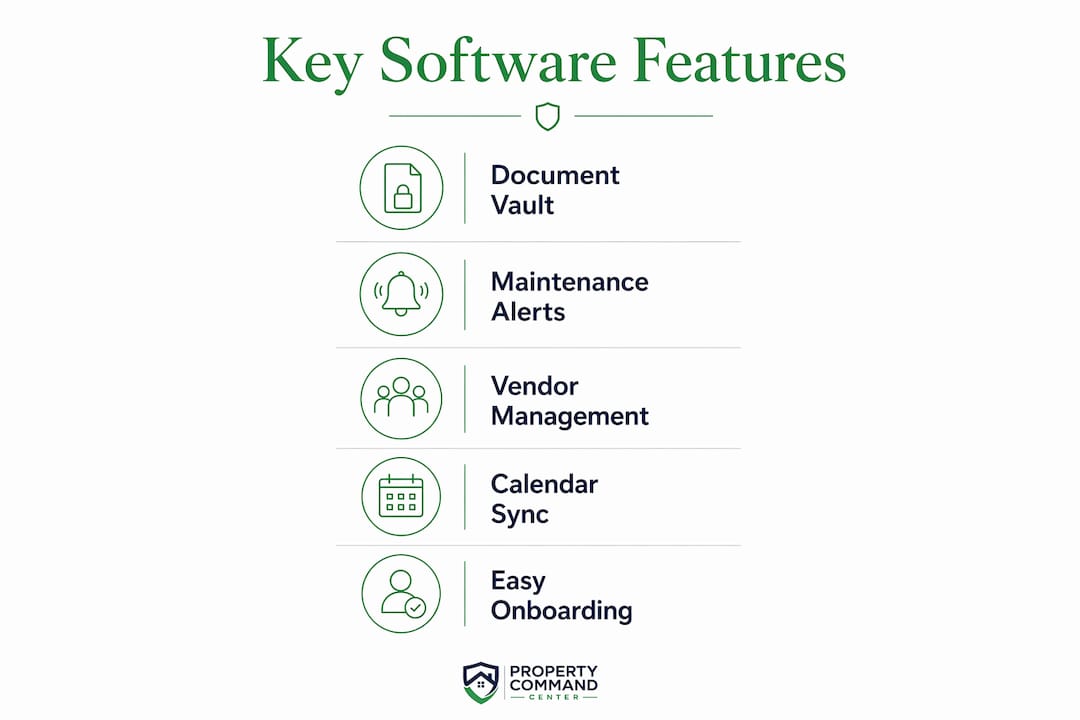
How Property Command Center maps to the checklist, feature by feature
Mypropertycommandcenter was built around the checklist above, not around the needs of a 200-unit property management company.
| Dimension | Property Command Center |
|---|---|
| Ease of use | Clean dashboard; no training calls required |
| Maintenance & task features | Recurring tasks, reminders, and assignment to vendors |
| Document management | Secure vault for warranties, manuals, and insurance |
| Vendor/contact management | Vendor directory with contact details and document attachments |
| Calendar/booking sync | Calendar views with import/export for Airbnb, Vrbo, and Booking.com |
| Pricing & trial | Tiered by property count; free trial, no credit card |
| Onboarding & support | Guided onboarding process with dedicated resources |
| Properties supported | Designed for individual owners and small multi-home portfolios |
A few things worth calling out specifically. The Alerts feature sends proactive reminders before maintenance windows close, not after. The Payment Success page gives owners a clear view of payment status without digging through email threads. And the platform's focus stays on maintenance, task, and document workflows rather than revenue management tools you would only need at scale.
On integrations: Mypropertycommandcenter connects with major booking platforms at the calendar level. It is not a full channel manager with dynamic pricing algorithms. For owners who want a maintenance-first tool and use Airbnb or Vrbo directly for bookings, that is the right trade-off.
Pro Tip: Before your first login, build a master spreadsheet with every property address, your top five vendor contacts per property, and a list of documents you need to upload. That single prep step cuts your onboarding time dramatically.
Pricing, onboarding, and realistic setup time
Mypropertycommandcenter uses a tiered subscription model based on the number of properties you manage. The free trial requires no credit card, so you can test the full feature set before committing. Visit the Pricing page for current plan details.
Realistic setup time breaks into two phases:
In the first one to two hours, you can:
- Add your properties and basic details
- Import your top vendor contacts
- Upload your most critical documents (insurance policies, key manuals)
- Set your first recurring maintenance reminders
Over the following days, plan time for:
- Full reservation history migration
- Calendar reconciliation across all booking platforms
- Complete document vault population for every property
Migrating reservations, property details, and vendor contacts into a new platform can take several days of focused effort. That is normal, not a flaw. Owners who try to rush it in one sitting usually end up with incomplete data and abandon the tool before it delivers value.
| Phase | Time needed | What you accomplish |
|---|---|---|
| Initial setup | one to two hours | Properties, top vendors, key docs, first reminders |
| Full migration | several days | All reservations, full doc vault, calendar sync |
| Ongoing maintenance | several minutes per week | Task updates, new vendor notes, document additions |
Common mistakes owners make when choosing rental software
Picking the wrong tool costs more than the subscription fee. It costs the hours you spend learning a platform that never fits.
- Choosing enterprise software too early. Owners often pick systems that are too complex, then abandon them after a frustrating onboarding. Match the tool to your actual portfolio size.
- Underestimating data-entry time. Expecting to be fully operational in an afternoon leads to incomplete setups. Budget the days, not the hours.
- Ignoring the document vault. Storing warranties and manuals in email folders means you are searching for them at the worst possible moment, usually when a vendor is waiting on-site.
- Relying solely on spreadsheets. A spreadsheet cannot send you a reminder that the HVAC filter is due or alert you when a vendor contract expires.
- Skipping recurring task setup. One-off work orders are reactive. Setting up recurring preventive maintenance tasks like HVAC filter changes, gutter cleaning, and seasonal inspections reduces long-term repair costs and guest service interruptions.
Pro Tip: When you add a vendor to your directory, attach their contract or service agreement to that contact record immediately. When something goes wrong at 10 PM, you will not be hunting through email for the plumber's warranty terms.
Automation through calendar sync, messaging, and task scheduling reduces administrative friction and lets owners focus on the properties themselves rather than the paperwork around them.
Key Takeaways
For individual owners and small portfolios, the best vacation rental software prioritizes maintenance tracking, document storage, and vendor management over enterprise features you will never use.
| Point | Details |
|---|---|
| Match tool to portfolio size | Enterprise platforms add complexity that individual owners and small multi-home managers do not need. |
| Recurring tasks cut stress | Scheduling preventive maintenance inside your software reduces missed items and long-term repair costs. |
| Document vault is non-optional | Centralizing insurance, manuals, and warranties speeds up vendor handoffs and emergency responses. |
| Budget days, not hours, for setup | Full migration of reservations, contacts, and documents typically takes several focused days. |
| Mypropertycommandcenter fits this audience | Its dashboard consolidates tasks, vendors, documents, and alerts for individual owners, with a free trial and no credit card required. |
Why the "feature count" trap hurts individual owners most
The conventional wisdom in vacation rental software reviews is to compare platforms by feature count. More integrations, more automation, more reporting. For a professional property management company running 50 units, that logic holds. For an individual owner with two beach houses and a mountain cabin, it is the wrong frame entirely.
The platforms with the longest feature lists are built for teams. Their onboarding assumes you have a dedicated operations person. Their pricing reflects that assumption too. When an individual owner picks one of those tools, they spend the first month learning the platform instead of using it, and the second month wondering why they are paying for dynamic pricing algorithms on a three-property portfolio.
What actually matters at this scale is whether the software will remind you that the water heater at the lake house is due for an inspection, store the plumber's contact and contract in one place, and let you check task status from your phone on a Saturday morning. Stability and responsive support matter more day-to-day than any cutting-edge feature. That is the argument for a maintenance-first tool, and it is why Mypropertycommandcenter earns the recommendation here.
Property Command Center: start your free trial today
Managing two or three properties should not feel like running a small business. Mypropertycommandcenter gives individual owners the one thing most vacation rental tools skip: a clean, organized home base for maintenance, tasks, vendors, and documents, without the enterprise price tag or the steep learning curve.

The free trial requires no credit card. Before you start, have three things ready: a list of your properties, your top vendor contacts, and the most important document for each property (insurance policy or appliance manual). That prep takes 20 minutes and makes your first session productive.
Visit the onboarding page to see the guided setup process, or go straight to mypropertycommandcenter.com to start your trial now.
Useful resources and product pages
Mypropertycommandcenter product pages:
- Property Command Center — main dashboard and product overview
- Tasks — recurring task creation and vendor assignment
- Vendors — vendor directory and contact management
- Alerts — reminders and smart notifications
- Onboarding — guided setup and migration resources
- Pricing — plan tiers and free trial details
- Payment Success — payment workflow and confirmation
Industry references used in this article:
- SmarterTravel: Best Vacation Rental Sites — platform comparison context
- Guesty: Vacation Rental Property Management — automation and onboarding benchmarks
- Cloudbeds: Vacation Rental Software — independent host platform considerations
- OwnerRez — maintenance tracking and enterprise complexity context
- Lodgify — channel sync and revenue data