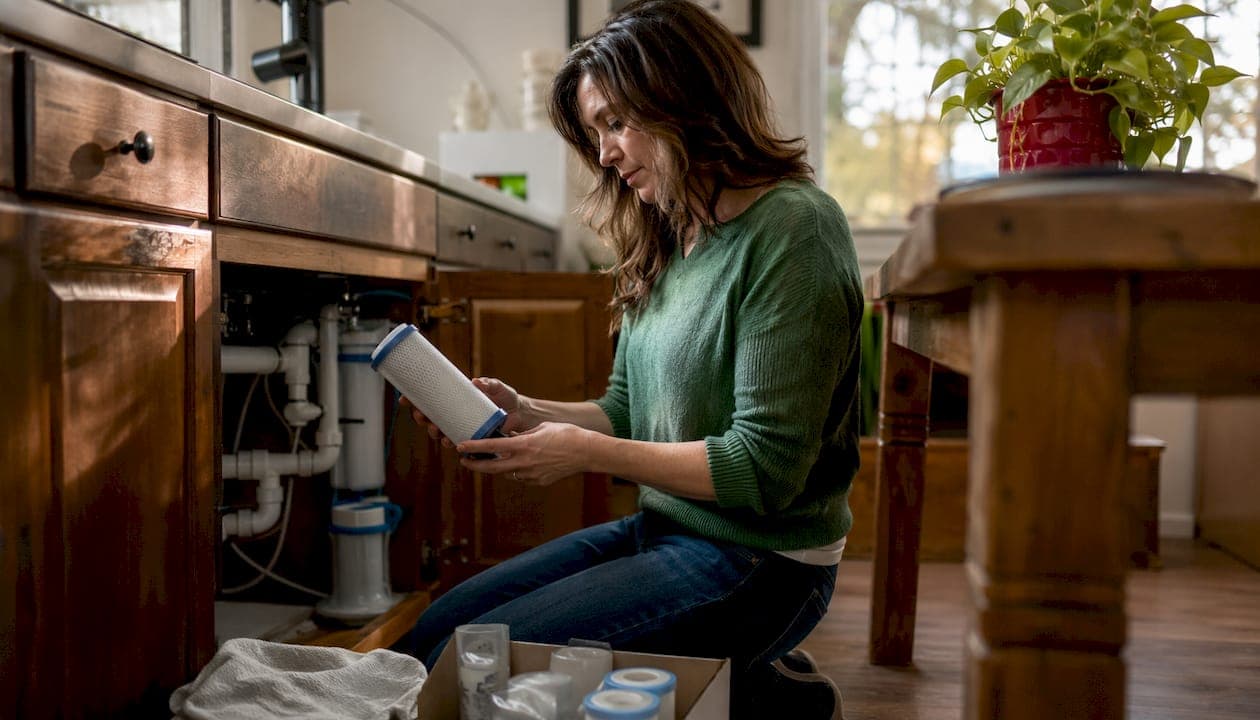
Replace your water filter using whichever limit arrives first—the manufacturer's time interval or the rated gallon capacity. If you notice performance problems before either deadline, replace it immediately.
Quick replacement starting points:
- Pitcher filters: every couple of months or low volume for standard models; longer intervals and higher volumes for long-life models
- Faucet-mount filters: about every three months or moderate volume
- Refrigerator filters: about every six months or up to several hundred gallons
- Under-sink carbon cartridges: roughly every 6 to 12 months or up to about a thousand gallons
- RO pre-filters and post-filters: every 6–12 months
- RO membrane: about every two to three years
- Whole-house sediment pre-filter: every few months
- Whole-house carbon tank: every several years
- UV lamp: every 12 months (time-based only)
Per US EPA guidance, when time and gallon limits conflict, use whichever comes first. Manufacturers perform rigorous lifespan testing, so their instructions are your primary source. For owners managing multiple homes, Mypropertycommandcenter centralizes every property's filter schedule, vendor contacts, and replacement reminders in one dashboard.
Table of Contents
- Why does your water filter replacement schedule vary?
- Practical replacement ranges by filter type
- What are the signs you need to replace a filter right now?
- How to build a reliable replacement schedule for one property
- How do you track filter replacements across multiple properties?
- Safe replacement steps, disposal, and when to call a professional
- How to estimate your annual filter costs
- Key Takeaways
- The part most homeowners skip
- One dashboard for every filter across every property
- Useful sources and further reading
Why does your water filter replacement schedule vary?
The interval printed on a filter box is a starting point, not a guarantee. Two identical filters in two different homes can exhaust at very different rates depending on water quality, household size, and how the system is used.
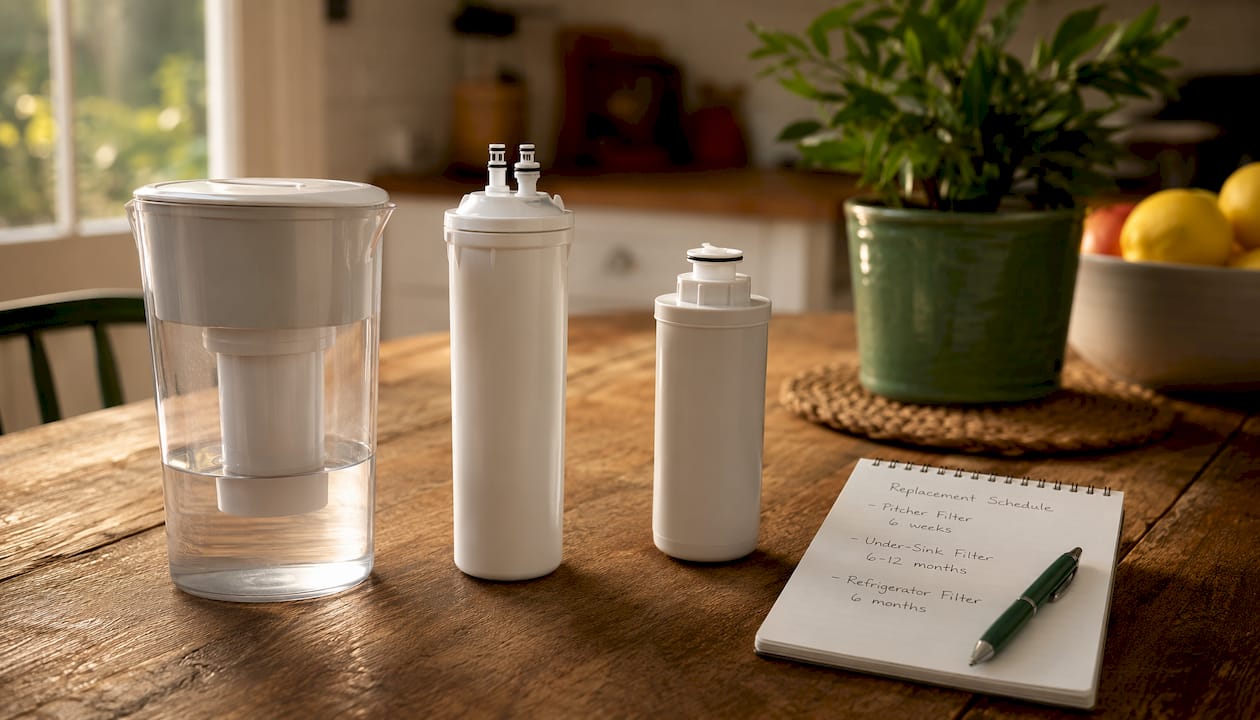
US EPA guidance is clear: when a time-based limit and a gallon-based limit conflict, use whichever arrives first. A refrigerator filter rated for six months or 300 gallons needs changing at three months if a large household burns through 300 gallons by then.
Several factors accelerate exhaustion beyond the rated interval. High sediment or turbidity loads clog mechanical filters faster. Households with more people, frequent guests, or short-term renters consume more water and hit gallon caps sooner. Hot-water exposure degrades carbon media quickly, which is why the EPA recommends filtering only drinking and cooking water where possible. A change in water source, such as flooding, nearby construction, or a new utility notice, can also spike contaminant loads and shorten filter life overnight.
"Always read the manufacturer's instructions that came with your filter carefully and follow the installation and maintenance instructions exactly." — US EPA, Learn How to Maintain Your Water Filter
Manufacturers perform rigorous lifespan testing before publishing their intervals, making the product manual your single most reliable reference. When your filter has an indicator light, follow it. When it does not, you need to track manually.
Pro Tip: Set two calendar reminders per filter: one a month before the due date (to order a replacement) and one on the due date itself. This prevents the all-too-common scenario of running a spent cartridge for weeks because the spare hasn't arrived yet.
Practical replacement ranges by filter type
The table below gives concrete starting ranges. Adjust shorter if your water is hard, high in sediment, or serves a large or rotating household.
| Filter Type | Time Interval | Gallon Capacity | Watch For |
|---|---|---|---|
| Pitcher (standard) | About 2 months | Moderate use | Slow drip-through, stale taste |
| Pitcher (long-life) | Several months | Higher filtered water volume | TDS meter rise, taste change |
| Faucet-mount | A few months | Moderate use | Reduced flow, indicator color |
| Refrigerator | About 6 months | Moderate to high use | Ice odor, dispenser slowdown |
| Under-sink carbon | Several months up to a year | Moderate to high use | Silent performance drop |
| RO sediment pre-filter | 3–6 months | Varies | Pressure drop, membrane stress |
| RO carbon pre-filter | 6–12 months | Varies | Chlorine taste returning |
| RO membrane | 2–3 years | Varies | Rising TDS meter reading |
| RO post-filter | 6–12 months | Varies | Flat or off taste in finished water |
| Whole-house sediment | 3–6 months | Varies | Falling whole-home pressure |
| Whole-house carbon tank | Several years | Large capacity | Chlorine odor at taps |
| UV lamp | 12 months | N/A | Bulb age only; visible light ≠ effective UV |
Carbon filters commonly need replacement every 6–12 months; sediment pre-filters typically every 3–9 months; RO membranes every 2–3 years with more frequent pre-filter changes.
A few common exceptions worth noting:
- Well water households often need sediment pre-filter changes every 4–6 weeks during wet seasons.
- Hard water shortens RO membrane life and exhausts ion-exchange media faster.
- Vacation homes with long vacancy periods still need time-based replacements because stagnant water promotes bacterial growth in spent media.
- After installing any new carbon filter, flush the system for several minutes until the water runs clear to clear carbon fines.
What are the signs you need to replace a filter right now?
Calendar reminders are useful. Your senses are faster. Replace a filter immediately if you notice any of these:
- Reduced water flow from a filtered tap or pitcher, which signals clogging or exhausted media
- Return of unpleasant taste or chlorine odor, meaning the carbon is no longer adsorbing contaminants
- Visible cloudiness or sediment in filtered water
- A rising TDS meter reading on an ion-exchange or RO system, indicating the membrane or resin is failing
- An indicator light or app alert that has triggered, regardless of how recently you changed the filter
An expired filter does not simply stop working quietly. Exhausted media can release trapped contaminants back into the water supply, making a spent filter potentially worse than no filter at all.
Replacing early is always safer than running a cartridge past its limit. Indicator lights and app alerts are reliable when present, but many systems, particularly older pitcher and under-sink units, have none. For those, a $15–$25 TDS meter gives you a measurable signal rather than a guess.
How to build a reliable replacement schedule for one property
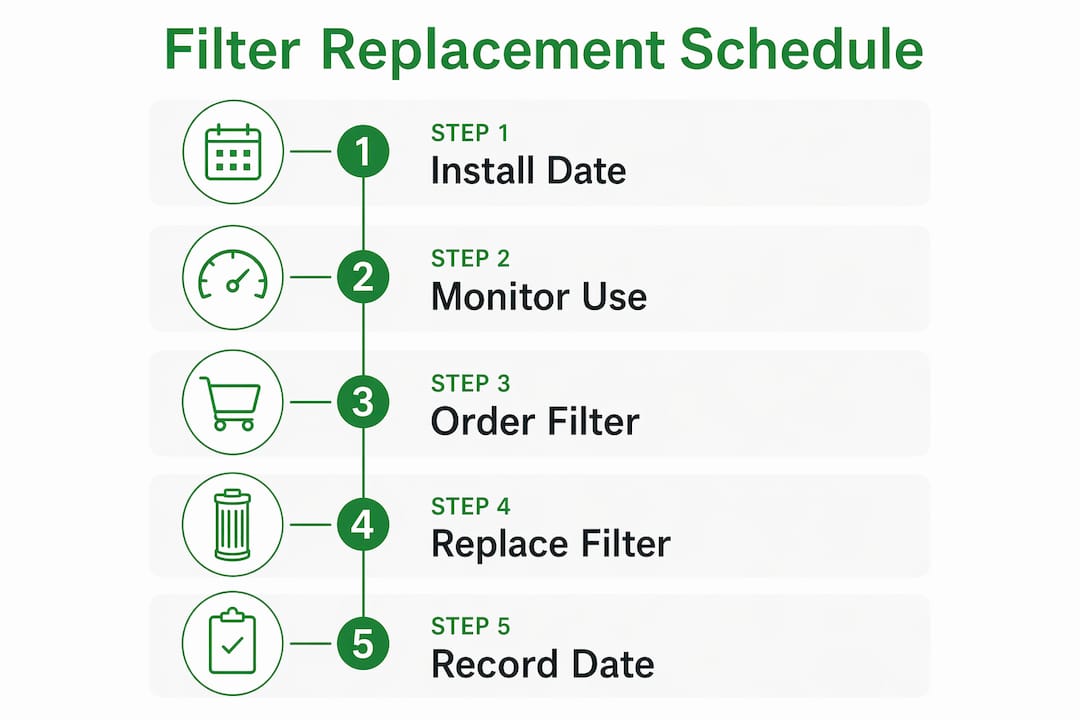
A schedule you can actually follow has four components: a recorded start date, a clear trigger, a spare filter on hand, and a reminder system.
- Record the install date on the cartridge itself with a permanent marker, and log it somewhere you will find it (a notes app, a cabinet label, or a maintenance platform).
- Identify your trigger — time-based, gallon-based, or indicator-based — and note the due date or gallon target.
- Order your replacement early. Keep one spare cartridge per filter on hand. Note the exact model number in your log so you never order the wrong part.
- Store your vendor contact alongside the filter record so you can call for help without searching.
- Set two reminders: one 30 days before the due date to order the spare, and one on the due date to complete the swap.
- Note special triggers in the same log: flooding, a boil-water advisory, well repairs, or a new utility notice should prompt an immediate check even if the calendar says you have months left.
A simple template per filter: Install date → Next change date → Spare on hand (Y/N) → Part number → Vendor contact.
How do you track filter replacements across multiple properties?
One property is manageable with a sticky note. Three properties with different filter types, different vendors, and different household sizes is where scattered notes fail.
A centralized digital maintenance log shifts multi-property owners from reactive replacements to a proactive, repeatable process. The log for each property should include: filter type and model number, install date, next due date, spare stock status, and vendor contact.
Operationally, a few habits make the difference. Standardize your naming across properties so "Kitchen Under-Sink Carbon" means the same thing at every address. Assign a local contact at each property who can physically check and swap filters. Stagger replacement dates where possible so you are not coordinating simultaneous changes at three addresses in the same week.
Pro Tip: Attach the filter manual and replacement part number directly to each property record. Any household member, house sitter, or local vendor can then complete the swap without calling you for the model number.
Mypropertycommandcenter's automated alerts let you configure pre-alerts and due-day reminders per property, so nothing slips through when you are focused on a different address.
Safe replacement steps, disposal, and when to call a professional
Most cartridge swaps are a 10-minute DIY job. Done carelessly, they cause leaks or recontaminate the line.
- Shut off the water supply to the filter and depressurize the housing before opening it.
- Remove the spent cartridge and inspect the housing interior for sediment or biofilm; wipe clean with a damp cloth.
- Lubricate O-rings with food-grade silicone grease before reinstalling to improve the seal and make future removal easier.
- Install the new cartridge per the manufacturer's orientation markings.
- Flush per manufacturer instructions (typically 2–5 minutes for carbon filters) before using the water.
Most spent cartridges go in household trash unless your municipality specifies otherwise. Check your local solid-waste guidelines; some filter brands offer mail-back return programs.
Call a licensed plumber when you see persistent leaks after a swap, housing cracks, significant pressure anomalies, or after any contamination event that local officials say requires system sanitization.
How to estimate your annual filter costs
Annual filter cost is straightforward: multiply the number of replacements per year by the unit price for each filter stage.
A typical under-sink carbon system with one cartridge at $30, replaced twice a year, runs $60 annually. An RO system is more involved: two pre-filter changes at $15 each plus one post-filter at $20 equals $50 per year in consumables, with a membrane replacement every two to three years adding roughly $50–$80 amortized annually. Neglecting RO pre-filters is the most costly maintenance mistake because clogged pre-filters shorten membrane life dramatically, turning a $50 annual habit into a $200+ membrane replacement.
Key cost drivers across properties:
- Water hardness and TDS shorten filter life and increase replacement frequency.
- Household size and usage patterns (guests, renters, vacation occupancy) shift gallon consumption unpredictably.
- Brand-specific cartridge pricing varies widely; check replacement costs before buying a new system.
- Number of properties multiplies every line item.
Buying replacement cartridges in small bulk (two to four at a time) typically reduces per-unit cost. Keep one spare set per property, and build filter replacement into your annual property maintenance budget as a fixed line item rather than a surprise expense.
Key Takeaways
Replace filters using whichever limit arrives first — the manufacturer's time interval or the rated gallon capacity — and act immediately when performance signs appear.
| Point | Details |
|---|---|
| Use the earlier limit | Replace at the time interval or gallon cap, whichever comes first, per US EPA guidance. |
| Know the ranges | Pitcher filters: 2 months; refrigerator: 6 months; RO membrane: 2–3 years; whole-house carbon: several years. |
| Act on warning signs | Reduced flow, returning taste or odor, cloudiness, or a rising TDS reading all mean replace now. |
| Log install dates and set two reminders | Record the date on the cartridge and in a maintenance log; set alerts 30 days before and on the due date. |
| Mypropertycommandcenter | Centralizes filter schedules, automated alerts, vendor contacts, and filter manuals across all your properties. |
The part most homeowners skip
There is a gap between knowing a filter needs changing and actually changing it on time. Most owners do not forget because they are careless. They forget because the information lives in three different places: a receipt in a junk drawer, a reminder that fired while they were traveling, and a model number they cannot find when they are standing in front of the housing.
Managing one home this way is annoying. Managing three or four homes this way means someone is always drinking water through a filter that should have been replaced two months ago. The fix is not better memory. It is one place where every property's filter record, vendor contact, and next due date lives together, with alerts that reach you before the deadline rather than after.
One dashboard for every filter across every property
Tracking water filter replacements across multiple homes does not have to mean a spreadsheet per property and a calendar full of one-off reminders.

Mypropertycommandcenter gives you a single dashboard where each property has its own maintenance record: filter type, install date, next replacement date, spare part number, and the vendor contact for that address. Automated alerts fire 30 days before a filter is due and again on the due date, so you are never caught off guard. Attach the filter manual and warranty directly to the property record so any household member or local contact can complete the swap without a phone call to you.
The starter workflow takes about five minutes per property: add the property, enter each filter as a maintenance item with its install date and replacement frequency, attach the manual, and set two reminders. From that point, the platform handles the follow-up. Start your free 14-day trial, no credit card required, at Mypropertycommandcenter.
Useful sources and further reading
| Source | Best For |
|---|---|
| US EPA — Learn How to Maintain Your Water Filter | Authoritative time-vs-gallon rule; manual tracking guidance for filters without indicator lights |
| Pentair — When to Change Your Water Filter | Manufacturer-level guidance on physical signs, carbon fines flushing, and O-ring care |
| Parade Health — How Often to Replace Your Water Filter | Doctor-sourced interval guidance and manufacturer testing context |
| FilterPicks — Water Filter Maintenance Guide | Safety warning on expired filters releasing contaminants; proactive replacement rationale |
| illi Water — Water Filtration Maintenance | Central log approach for multi-property owners; RO pre-filter maintenance priority |
| Cherry Blossom Plumbing — Water Filter Maintenance | Practitioner-level tips: O-ring lubrication, housing cleaning, and leak prevention |
| HealthGlean — When to Replace Water Filters | Quick-reference summary of CDC and EPA guidance; replacement trigger checklist |