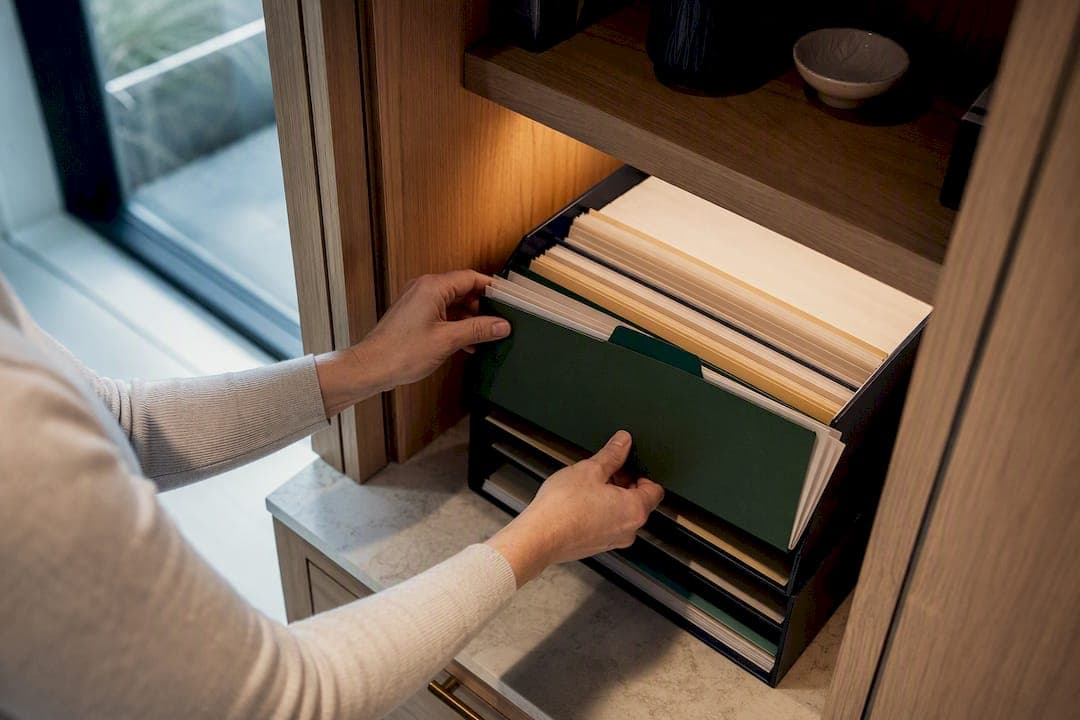
The fastest way to organize home documents across multiple properties is a single, property-tagged digital document vault, paired with consistent file naming and automated expiry reminders. This setup works for multi-property owners and short-term rental hosts because it replaces the guesswork of "which inbox did that insurance renewal land in" with one place, one rule set, and one alert system.
TL;DR:
- Using a single property-tagged digital vault simplifies document management and minimizes the risk of losing important renewal or expiration dates.
- Organizing each property with five standard folders—acquisition, insurance, warranties, maintenance, and tenant records—ensures scalability across multiple properties.
- Setting up one capture point for new documents and applying quick classification rules helps prevent scattered files and lost paperwork.
- Critical renewal reminders for insurance, permits, warranties, and inspections should be set 90, 60, and 30 days before due dates to avoid costly oversights.
- Migration from spreadsheets and email to a centralized vault should be phased, starting with active documents, to ensure accuracy and ease transition.
Table of Contents
- How Do You Organize Home Documents by Property?
- How Do You Set Up One Capture Point for New Documents?
- What Folder Structure Actually Scales?
- How Do You Track Expirations Without Missing a Renewal?
- How Do You Move From Spreadsheets and Email Into a Vault?
- What Security Controls Should Every Owner Enforce?
- How Should You Store Physical Documents You Haven't Digitized Yet?
- What's the Best Way to Scan and Digitize Paper Documents?
- How Long Should You Legally Keep Home Documents?
- How Should You Rank Documents by Urgency and Importance?
- How Do You Share Home Documents Safely With Family or Advisers?
- What Does a Working Folder Template Actually Look Like?
- Putting the System Into Practice With Property Command Center
- Lessons From Working With Multi-Property Owners
- Sources
How Do You Organize Home Documents by Property?
Every property needs its own document profile, and every document needs a home inside it. Think of each property as a mini filing cabinet with five drawers: acquisition, insurance, maintenance, tenant/guest records, and vendor paperwork. Standardizing that structure across every property you own is what actually lets you scale past two or three doors without losing your mind, a point echoed in guidance on managing multiple properties at scale.
Here's the checklist to run against each property you manage:
- Acquisition and loan files — the deed, closing/settlement statement, and mortgage or refinance records. These rarely change but you'll need them for taxes, refinancing, or a sale.
- Insurance documents — current declarations page, claims history, and renewal dates. Missing a renewal here is the single costliest document mistake an owner can make.
- Warranties and manuals — appliances, HVAC systems, and roofing, each tagged with its install date. Without the date, the warranty is close to useless.
- Maintenance records and invoices — service history plus before/after photos for anything structural. This turns into a searchable log rather than a shoebox of receipts.
- Lease, guest, and compliance records — leases for long-term rentals, permits and inspection certificates for short-term rentals, and any local registration paperwork.
Centralizing install dates and service history like this is what turns scattered maintenance paperwork into something you can actually act on, rather than a pile you dig through during an emergency, an approach detailed in coverage of digitizing property maintenance records. Map every document you already have against this five-part list, and you'll immediately see which properties have gaps.
How Do You Set Up One Capture Point for New Documents?
Pick exactly one entry point for new documents and route everything through it. Most owners land on one of three options: a dedicated email address that forwards to the vault, a mobile upload button, or a synced cloud folder. The point isn't which one you choose. It's that you stop using all three at once, which is how documents disappear in the first place.
Once the capture point exists, apply a light classification rule to everything that comes through it:
- Tag the property first, using its nickname.
- Tag the document type second (insurance, warranty, invoice, lease).
- Confirm the date, since most scanners and email forwards get this wrong.
- Let OCR or auto-classification take a first pass, then do a five-second manual check before filing.
A workable capture-to-reminder system like this is what separates a document setup that survives five or more properties from one that collapses under its own paperwork, according to systems built for growing property counts.
Pro Tip: Set up a dedicated forwarding email like docs@yourvault.com for vendor invoices and insurance renewals specifically. When a plumber emails an invoice, forward it in ten seconds instead of saving it to a folder you'll forget by Friday.
For a vendor invoice, that means forward to the capture email, tag the property and "Maintenance," done. For an insurance renewal notice, forward it, tag "Insurance," and flag the renewal date immediately so it lands on your reminder calendar before it gets buried.
What Folder Structure Actually Scales?
Keep it to two levels. One top folder per property, using a short nickname you'll recognize instantly, like "Lakehouse" or "Maple St." Inside each property folder, five category folders cover almost everything you'll ever store:
- Acquisition — deed, closing statement, mortgage documents
- Tenant — leases, guest agreements, applications
- PM — any property manager contracts or communications
- Maintenance — service records, invoices, photos
- Insurance — declarations, claims, renewal notices
For file names, one convention beats a dozen clever ones: YYYY-MM-DD Category Short description. So a roof repair invoice becomes 2026-03-14 Maintenance Roof Repair Invoice. A renewed policy becomes 2026-01-02 Insurance Declarations Page. This naming and folder combination, drawn from field-tested rental document systems, is deliberately boring, and boring is what makes it searchable years later. Add tags for property, document type, and vendor on top of the folders if your storage tool supports metadata. Folders get you close; tags get you exact.
How Do You Track Expirations Without Missing a Renewal?
Not every document needs a reminder, but four categories absolutely do: insurance policies, permits, warranties, and inspection certificates. Each of these has a hard date attached, and missing it usually costs more than the ten seconds it takes to set the alert.
- 90 days out — first notice, sent to the owner only. Enough runway to shop renewal options.
- 60 days out — second notice, sent to owner and property manager if one is involved.
- 30 days out — final notice, escalated to whoever handles renewals directly.
Retention differs by document type: keep closing documents and mortgage records for the life of ownership plus several years after sale, keep tax-relevant invoices for at least three years, and keep leases for at least the length of tenancy plus one year in most states. Dashboard-based alerts that sync to a shared calendar close the gap that paper reminders and mental notes always leave open, since a renewal notice buried in an inbox does nothing for anyone.
How Do You Move From Spreadsheets and Email Into a Vault?
Migrating away from a spreadsheet-and-inbox system feels bigger than it is if you break it into stages instead of trying to move everything at once.
- Run a quick audit first. List every property and mark which of the five document categories are missing or out of date. This takes an hour, not a weekend.
- Export in bulk. Pull spreadsheet data as CSV, batch-export relevant email folders, and scan the handful of paper documents that never made it digital, starting with anything insurance or loan related.
- Map spreadsheet columns to profile fields. A column labeled "Policy Exp" becomes the insurance expiration field; "Vendor" becomes the vendor contact field. This step is where most of the actual work lives.
- Validate and sign off. Spot check five documents per property against the source spreadsheet before you consider the migration done.
Migrating priority documents first, meaning active insurance policies, closing paperwork, and recent maintenance records, then filling in older history in batches preserves accuracy far better than trying to dump everything in one pass, a sequencing recommended in Property Command Center's guide to organizing mortgage documents. Phased migration also matters because automating a workflow before your data is clean just automates the mess, a caution worth taking seriously according to research on repetitive manual work in multi-site property operations.
Pro Tip: Don't wait for every historical document before switching over. Migrate this year's active documents first, keep the old spreadsheet as a read-only archive, and backfill history over the following month.
What Security Controls Should Every Owner Enforce?
A document vault is only as good as who can get into it, and that list is usually longer than owners realize once you count vendors, accountants, and family members. Four controls matter more than any others:
- Require two-factor authentication and strong, unique passwords for every account with access.
- Set role-based permissions: owner sees everything, property manager sees operational files, vendor sees only the work order relevant to them, accountant sees financial documents only.
- Use time-limited, view-only share links for anyone outside your core team rather than handing out full folder access.
- Run a quarterly export to an encrypted offline backup and keep an audit log of who accessed what.
Owners still benefit from keeping an independent copy of their own records, separate from whatever a property manager maintains, since PM relationships change and you shouldn't lose five years of maintenance history when they do, a point backed by advice on owner-side rental document systems. One overlooked number worth remembering: a document you can't retrieve in about 10 seconds during an emergency, a burst pipe, a guest lockout, an insurance adjuster on-site, is effectively a document you don't have, per the same rental document system research.
How Should You Store Physical Documents You Haven't Digitized Yet?
Some documents still need a physical home, at least temporarily: original deeds, notarized paperwork, and anything requiring a wet signature for legal reasons. Store these in a fireproof, waterproof lockbox or a bank safe deposit box, never a regular filing cabinet or desk drawer, since fire and water damage account for most catastrophic paper losses.

Organize physical files using the same five-category logic as your digital vault (acquisition, insurance, maintenance, tenant, vendor) so the two systems mirror each other instead of drifting apart. Label folders by property nickname first, category second, exactly like the digital naming convention. Keep an index sheet on top of the box listing what's inside and where its digital scan lives, so anyone opening the box, including a family member in an emergency, can find what they need without calling you first.
Store physical originals separately from working copies. Keep a scanned duplicate in your digital vault for daily use and reserve the physical original for legal or notarized purposes only. Review the physical stash annually, shred anything already superseded by a renewed version, and never let paper accumulate past what genuinely requires a physical original. Most documents don't.
What's the Best Way to Scan and Digitize Paper Documents?
Start with a flatbed or sheet-fed scanner rather than a phone camera for anything with fine print, since scanners produce sharper text for OCR and don't introduce the shadows and skew that phone photos do. A basic sheet-fed model handles insurance policies and leases quickly; save the phone camera for quick captures like receipts or a contractor's handwritten note.
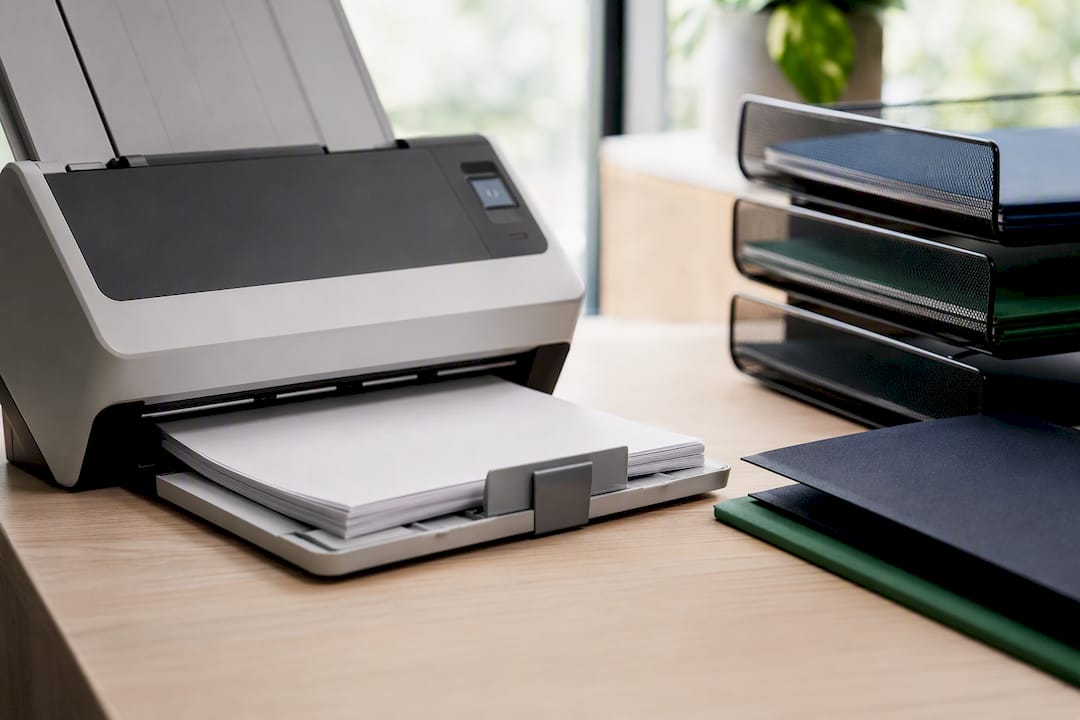
Scan at 300 DPI in PDF format for anything text-heavy. That resolution is high enough for OCR to read cleanly but low enough that files don't balloon in size across dozens of documents per property. Name the file the moment you scan it, using the same YYYY-MM-DD Category Short description convention from your digital folders, rather than dumping a batch of "scan001.pdf" files you'll have to rename later.
Run OCR on every scan so the text becomes searchable rather than just an image. Most scanner software includes this, and tools built around automated file organization can auto-classify scanned documents by type once OCR extracts the text. Batch your scanning sessions by property instead of by document type. It's faster to scan everything for one property in one sitting than to jump between properties hunting for the right paperwork.
How Long Should You Legally Keep Home Documents?
Retention rules vary by document type and, for tax purposes, by your filing situation, so treat these as general guidance rather than a fixed rule for every owner. Deeds, closing statements, and mortgage payoff letters should be kept permanently, since they establish ownership and cost basis for capital gains calculations whenever you eventually sell.
Insurance policies and claims documentation are generally worth keeping for at least as long as the policy is active, plus several years after any claim closes, in case a dispute resurfaces. Tax-related documents, including maintenance invoices and rental income records, are commonly kept for at least three years from filing, matching the standard IRS audit window, though that window extends further if income was substantially underreported.
Leases and tenant records should be retained for the length of tenancy plus at least one year, and longer in states with extended statutes of limitations for landlord-tenant disputes. Permits and inspection certificates should be kept for as long as the property is owned, since a future sale or refinance often requires proof of compliance work. None of this is legal advice specific to your state, and an accountant or attorney familiar with your local rules should confirm anything time-sensitive or high-stakes.
How Should You Rank Documents by Urgency and Importance?
Not every document deserves the same attention, and treating them all equally is how the important ones get lost in the noise. A simple three-tier system works better than an elaborate priority scheme:
Tier one, critical and time-bound, covers anything with a hard deadline attached: insurance renewals, permit expirations, mortgage payments, inspection deadlines. These get the 90/60/30-day reminder treatment described earlier and should never rely on memory alone.
Tier two, important but static, covers documents you need occasionally but that don't expire: deeds, warranties, appliance manuals, maintenance history. These need to be easy to find, but they don't need active monitoring.
Tier three, reference material, covers things like old utility statements or superseded lease drafts. Keep them if retention rules require it, but they don't need prominent placement in your vault.
Tagging each document with its tier when you file it means a quick filter shows you everything urgent across every property in seconds, rather than scrolling through five years of paperwork to find what actually needs attention this month.
How Do You Share Home Documents Safely With Family or Advisers?
Sharing shouldn't mean handing over your entire vault. Give an accountant access to financial and tax-relevant folders only, not maintenance photos or lease negotiations that have nothing to do with their work. Give a family member helping manage a property during travel view-only access to the specific property profile they're covering, not your full portfolio.
Time-limited share links work better than permanent logins for one-off needs, like sending a contractor the relevant warranty document without giving them standing access to your vault. Set the link to expire after a week or a month, whichever matches the actual task. For recurring access, like a spouse who co-manages every property, role-based permissions set up once are more reliable than repeatedly emailing PDFs back and forth.
For estate planning purposes specifically, a secure digital vault approach, similar to the kind used for broader estate and legacy planning, ensures a family member or executor can locate critical documents without needing your day-to-day login credentials. Whatever sharing method you choose, keep an access log so you know exactly who viewed or downloaded what, and when. That log becomes essential if a dispute ever arises over who had access to a document and at what point in time.
What Does a Working Folder Template Actually Look Like?
Here's a template you can copy directly, built around the two-level structure covered earlier:
| Level | Example | Contains |
|---|---|---|
| Property folder | Lakehouse | Everything specific to that one property |
| Acquisition | Lakehouse > Acquisition | Deed, closing statement, mortgage docs |
| Insurance | Lakehouse > Insurance | Declarations, claims, renewal notices |
| Maintenance | Lakehouse > Maintenance | Service invoices, photos, warranty info |
| Tenant | Lakehouse > Tenant | Leases, guest agreements, applications |
| PM | Lakehouse > PM | Property manager contracts and reports |
Duplicate this exact structure for every property you add, changing only the top-level nickname. Consistency matters more than cleverness here. A property called "Beachhouse" should have the identical five subfolders as "Lakehouse," so switching between properties never requires relearning where anything lives.
For large files that don't fit neatly into these categories, like architectural floor plans or survey documents, a dedicated storage approach with clear tagging keeps them findable without cluttering the main five folders, as covered in guidance on storing floor plans for quick retrieval. If you're testing this structure before committing to dedicated software, a flexible workspace tool can serve as a low-cost starting point while you validate the folder logic across your actual properties, an approach outlined in a DIY setup guide for owners not yet ready to migrate to a dedicated system.
Putting the System Into Practice With Property Command Center
Everything covered here, per-property profiles, a document vault, expiration reminders, and vendor contacts, is exactly what Mypropertycommandcenter's dashboard was built to consolidate in one place. Instead of juggling a spreadsheet for renewal dates, an inbox for vendor invoices, and a shoebox for warranties, you get one dashboard that ties documents, maintenance schedules, and vendor contacts to each property automatically.

The platform provides a document vault tied to each property profile, a reminder engine for renewals and expirations, and a vendor contact directory so you're not digging through old texts to find the HVAC company that installed your unit three years ago. If you're managing several properties or short-term rentals right now with a mix of spreadsheets and scattered folders, the fastest first step is running the migration audit described earlier and importing your highest-priority documents, active insurance policies and recent maintenance records, first.
A free trial period is typically offered to test vault and reminder systems before committing. Check the pricing plans to see which tier fits your property count, browse the vendor directory features to see how contacts consolidate across properties, or ask a specific question about migrating your current setup before you start.
Lessons From Working With Multi-Property Owners
The mistake I see most often isn't sloppy filing. It's inconsistent capture. An owner scans some invoices, forwards others, and leaves the rest in a contractor's text thread, and six months later nothing is where it should be. Poor naming compounds it, and missing expiration dates turn a five-minute renewal into a scramble.
Three quick wins fix most of this within a week: pick one capture point and stop using the others, rename this month's files using the date-first convention, and set 90-day reminders on every insurance policy you own right now.
The four-step path that actually works: audit what you have, lock in one capture point, migrate your priority documents first, then enforce the naming and reminder rules on everything new. Skip a step and the system quietly falls apart within a few months.
— Francisco
Sources
For deeper templates and examples, see organizing mortgage documents, long-term document storage, and folder structures for multi-property owners on the Property Command Center blog.
- Best Way to Organize Rental Property Documents: A System That Still Works After 5+ Doors
- Repetition Burden in Multi-Site Property Operations
- Digitizing Property Maintenance: Moving from Spreadsheets to CMMS