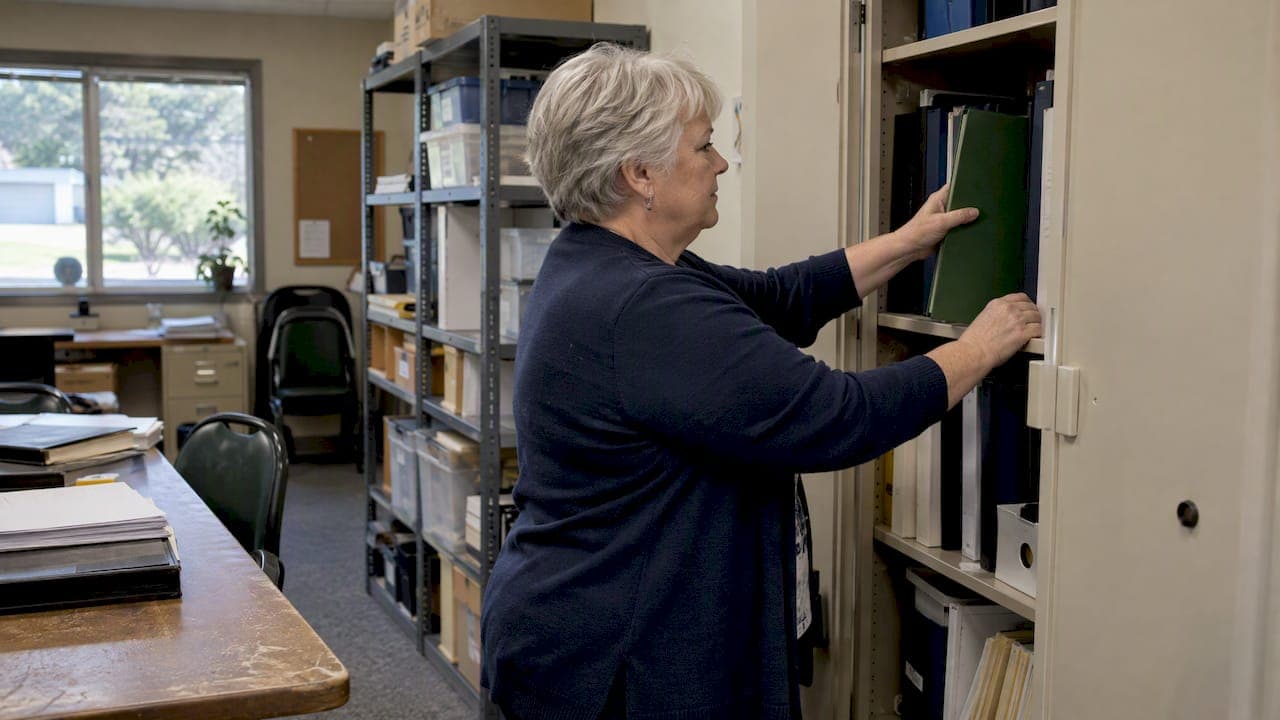
Put every association record into one permissioned digital archive, then protect it with a few habits: consistent folder and file names plus a retention schedule, multifactor authentication with least-privilege access, and a 3-2-1 backup plan. IRS retention guidance, CISA security advice, and CAI's transparency principle all point the same way, and a tool like Property Command Center can make it practical.
TL;DR:
- Keep governing documents and board minutes permanently; retain financial and real estate records for seven years, and confirm state requirements with legal counsel and the association accountant.
- Put the date first in every filename, follow one naming pattern, and preserve revisions in yearly archive folders instead of deleting superseded versions.
- Require multifactor authentication and encryption, limit access by role, and keep three copies on two media types, including one off site, with restore tests.
- Name one records custodian, log each request and response date, publish routine budgets and minutes through a portal reserved for members, and restrict sensitive files.
Table of Contents
- What should an HOA document archive contain?
- How do you structure folders and name files?
- How long should you keep each type of record?
- How do you control access and back up the archive?
- How should you handle homeowner records requests?
- What features and roles does the archive need?
- A 90-day plan for a volunteer board
- How we help boards centralize and secure HOA documents
- FAQ
- Sources
What should an HOA document archive contain?
Start with the records a board is asked about most often, then expand. Assign one responsible person to each group so nothing sits in a personal inbox.
- Governing documents: CC&Rs, articles of incorporation, bylaws, rules and regulations (permanent; owner: secretary).
- Meeting records: board minutes, agendas, and election and voting records (minutes are permanent; owner: secretary).
- Financials: budgets, bank statements, audits, and tax filings (multi-year; owner: treasurer).
- Reserve studies: current and prior versions (keep history; owner: treasurer).
- Contracts and vendors: vendor agreements, certificates, and bids (multi-year; owner: community manager).
- Insurance: policies, claims, and certificates (multi-year; owner: treasurer).
- Property records: maintenance logs, inspection reports, and warranties (owner: community manager).
- Owner records: resale and closing packages and member requests (owner: records custodian).
Practitioner guidance lists the same core set, including resale packages and reserve studies, and recommends technology to keep them accessible. If your association handles insurance paperwork heavily, our guide to an insurance document organizer shows how to structure that folder.
How do you structure folders and name files?
A folder map that anyone on the board can guess beats a clever one only its creator understands. Use these top-level folders:
- Governance: governing documents, policies, resolutions.
- Finance: budgets, statements, audits, tax filings, reserve studies.
- Meetings: minutes, agendas, election records, organized by year.
- Contracts & Vendors: one subfolder per vendor, with contract, insurance certificate, and bids.
- Insurance: policies and claims.
- Property: maintenance logs, inspections, warranties.
- Owner requests: the request form, response, and log entry for each request.
- Resale/Closing: packages issued per unit.
Inside each folder, name files with one pattern: YYYY-MM-DD_documentType_shortDesc_v1. For example, YYYY-MM-DD_minutes_boardMeeting_vN. Dates first means files sort chronologically on their own.
For versioning, bump the v-number on each revision and move superseded versions into an Archive/Year subfolder instead of deleting them. When you scan a paper original, note in the file description where the physical copy is stored. Our post on property document storage covers long-term archiving in more depth, and the same logic applies to closing paperwork.
Pro Tip: Add tags such as parcel number, vendor name, or contract number so you can cross-search a record without knowing which folder holds it.
How long should you keep each type of record?
Governing records stay forever. IRS guidance treats articles, bylaws, and amendments as permanent, and board minutes belong in that group as well. Many financial and real estate records are commonly kept for seven years, while employment tax records have their own window of at least four years after the fourth-quarter filing.
CAI recommends a formal records retention policy tailored to state statutes, reviewed by legal counsel and the association accountant before you adopt it. State law can override general rules on disposal and access periods, so treat the table below as a starting draft, not legal advice.
| Document | Suggested retention |
|---|---|
| Governing documents and amendments | Permanent |
| Board minutes | Permanent |
| Bank statements and financial records | 7 years |
| Vendor contracts (after expiration) | Follow the association’s retention policy |
| Real estate records | 7 years |
| Employment tax records | At least 4 years after the fourth-quarter filing |
Practitioners also describe a written policy as a risk-management necessity, because it shows records were disposed of on a schedule, not selectively.
How do you control access and back up the archive?
Security for an HOA archive comes down to a few controls you can switch on this week.
- Use phishing-resistant MFA on every account that touches the archive, and never run association business from personal accounts, as CISA advises.
- Apply least privilege: give each person only the folders their role needs, document who holds admin rights, and audit permissions on a set schedule.
- Follow the 3-2-1 backup rule: three copies, two media types, one off-site, with restores tested regularly.
- Require encryption in transit and at rest from any cloud provider.
- Keep devices current: install updates promptly and password-protect every laptop and phone that opens the archive.
If your board uses Microsoft 365 or Google Workspace, CISA's SCuBA project offers secure configuration baselines. CISA also recommends training users to spot phishing.
Pro Tip: Keep one offline copy of the governing documents and the latest financials in a locked location, so a ransomware event never costs you the essentials.

How should you handle homeowner records requests?
A written workflow removes guesswork and protects the board when a request turns contentious.
- Name a records custodian who receives and answers every request.
- Use a standard request form so you know exactly what is being asked, and consider form letter templates for consistent owner communications.
- Publish routine items, such as budgets and minutes, to a members-only portal, and restrict sensitive records.
- Set turnaround times, copying fees, and a redaction rule for private information.
- Log each request, the response date, and what you delivered.
Practical guidance suggests a community website or portal for routine items and notes that state law varies on what owners may request. CAI frames accessible budgets, reserve rationale, and minutes as a transparency tool that builds trust and reduces disputes.
What features and roles does the archive need?
Evaluate any tool against real needs, not marketing. Require these features:
- A document vault with role-based permissions.
- Search and indexing across file names and tags.
- Version history, so earlier drafts are never overwritten.
- Audit logs showing who opened or changed what.
- Owner-portal publishing for routine documents.
- An intake or scanning workflow with a single capture point.
Then assign responsibilities for records custody, backup administration, auditing, and owner access. One person can hold several roles on a small board, but each duty needs a name beside it.
Set a rhythm: capture inbound paper and scans in one place, audit permissions regularly, and review retention every year. Our guide on a single capture point explains the intake habit. Bring in the association's attorney or accountant before you discard anything or change who can see sensitive materials.
A 90-day plan for a volunteer board
Resist the urge to do it all at once. In days 1 to 30, inventory your records, move the priority documents into one place, pick the folder map, and draft the retention schedule. In days 31 to 60, turn on MFA, set permissions, configure backups, and test one restore. In days 61 to 90, publish routine documents, train the custodians, and adopt the request form. A board that finishes this once rarely has to rescue records again.
— Francisco
How we help boards centralize and secure HOA documents
Everything above needs a home, and we built ours for exactly this: a dashboard where documents, vendor contacts, maintenance schedules, and reminders live together instead of scattering across email and spreadsheets. Our document vault holds governing records, warranties, and insurance, and our vendor directory keeps contracts and contacts one click from the file they belong to. Start on Starter at $19 per month, or Pro at $49 per month, and test the workflow with the free trial before committing. Compare the plans on our pricing page, start a trial, and see whether it fits your retention and access needs.

FAQ
What are examples of organizational documents?
Organizational documents are the records that create and govern an association: articles of incorporation, bylaws, CC&Rs, and rules and regulations. Practitioner guidance also groups financial statements, reserve studies, and meeting minutes with these core records.
How do you set up an HOA website?
Start with a members-only portal that publishes routine items such as budgets and minutes, and keep sensitive records restricted. A community website or portal also gives you a single place to post your records-request form.
How long should an HOA keep its records?
Governing records are kept permanently, and many financial and real estate records are commonly held for seven years, per IRS guidance. Because state law varies, have your attorney and accountant review the final schedule.
How can members hold an HOA accountable?
Transparency is the main lever: accessible budgets, minutes, and reserve information let members see how decisions are made. CAI describes this kind of disclosure as trust-building, and a documented request process keeps responses consistent.