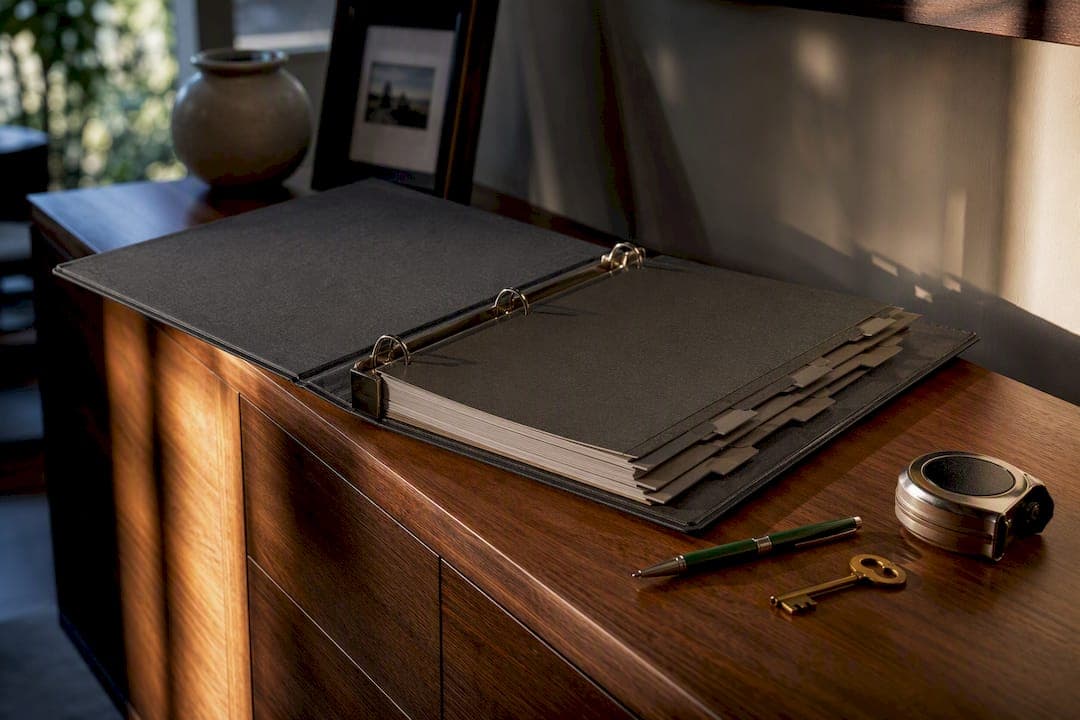
A property binder is a centralized system, physical or digital, that holds a home's documents, maintenance records, vendor contacts, and reminders in one spot. The smartest setup is digital-first: cloud folders for searchability and mobile access, backed by a slim physical binder or fireproof safe for irreplaceable originals like deeds and title insurance. Owners who build one report faster repairs, fewer frantic calls to contractors, and stronger resale packets when it's time to sell.
TL;DR:
- A digital-first property binder should include core ownership documents, appliance details, vendor contacts, and utility account numbers for quick access during emergencies.
- A hybrid approach of digital storage and secure originals in a fireproof safe provides the best combination of searchability and legal weight.
- Building the binder in phases during the first 90 days, starting with appliance photos and summaries, ensures steady progress without burnout.
- Maintaining a detailed, up-to-date maintenance log enhances resale value and simplifies insurance claims by providing clear repair and service records.
- Using ready-made dashboards or templates can save time and streamline organization, making the property binder a consistent, practical tool.
Table of Contents
- What Should Go in a Property Binder?
- Physical, Digital, or Both? Choosing the Right Format
- How Do You Build a Property Binder in 90 Days?
- What Belongs in the Maintenance Log?
- What Folder Structure Actually Works Long Term?
- How Do You Keep Property Records Secure and Shareable?
- Why Starting Now Beats Getting It Perfect
- A Dashboard That Does the Binder Work for You
- Templates and Guides Worth Bookmarking
- Sources
- FAQ
What Should Go in a Property Binder?
A useful binder isn't a junk drawer for paperwork. It's a curated set of facts you'll actually need again, organized so you can find them in under a minute.
Start with the foundational documents: closing paperwork, the deed, title insurance, and any property surveys. These prove ownership and matter enormously during a sale or refinance. Beyond that, a property binder should track appliance model and serial numbers, warranty documents and receipts, paint colors by room, and furnace filter size, all details that seem trivial until you need them at 9 p.m. on a Sunday.
Here's the practical checklist worth building out:
- Core ownership documents: deed, title insurance, closing disclosure, property survey
- Appliance and system data: model/serial numbers, purchase dates, warranty terms and expiration
- Quick-reference facts: filter sizes, paint colors by room, main shut-off valve locations, Wi-Fi network and password
- Vendor entries: name, phone number, license/insurance status, and a short note on what work they did and when
- Utility account numbers: electric, gas, water, internet, so you're not hunting during a move or a billing dispute
Each item earns its place because it solves a real future problem: a warranty claim, a repair call, or a buyer's due diligence request.
Physical, Digital, or Both? Choosing the Right Format
Digital wins on searchability. You can pull up a water heater's serial number from your phone while standing in a hardware store aisle, and cloud storage survives a house fire in a way a paper folder never will. Mobile access also matters for short-term rental hosts fielding a guest's 2 a.m. text about a tripped breaker.
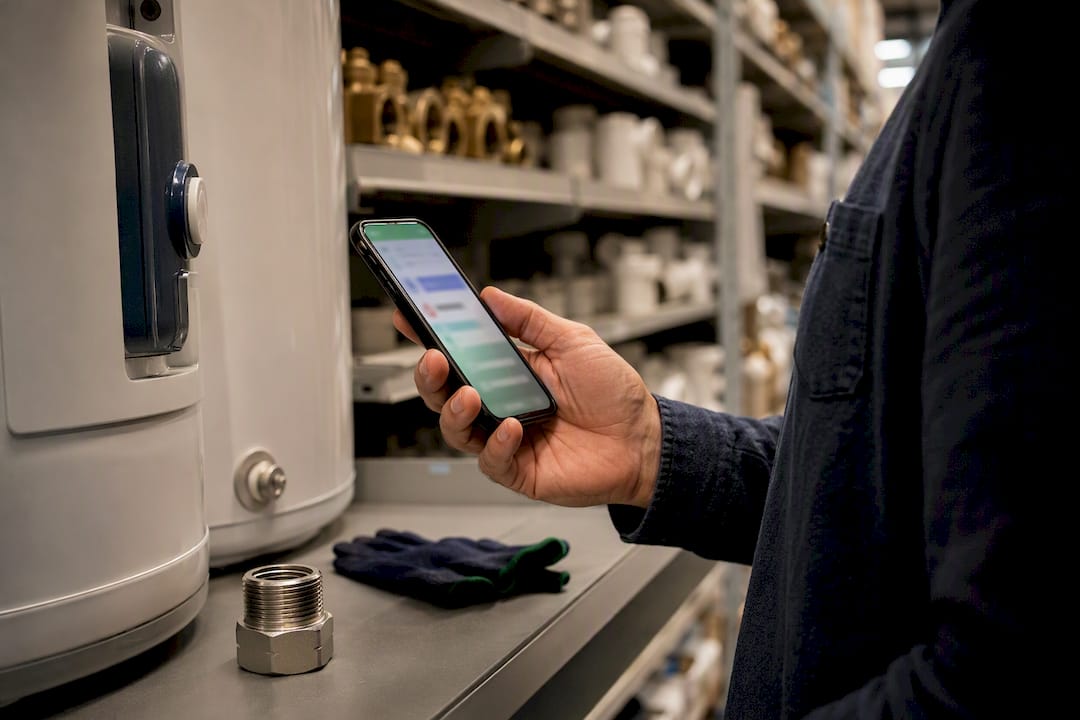
Physical still has a role. Original legal documents carry more weight in certain disputes, and a paper folder works when the power's out or Wi-Fi drops during a storm. That's why a hybrid approach makes the most sense for most owners: keep originals in a fireproof safe or bank box, and use a digital system for everyday reference, photos, and anything you'll need to search or share.
Supplies are simple either way:
- A small accordion folder or three-ring binder for originals
- A cloud storage account (Google Drive, Dropbox, or a dedicated property management app)
- A scanner app on your phone (most phone camera apps now scan directly to PDF)
Pro Tip: Don't wait to digitize everything. Photograph appliance data plates and paint can labels the day you notice them. A phone photo taken in ten seconds beats a "I'll type that up later" note that never gets written.
How Do You Build a Property Binder in 90 Days?
Setting up a full system in one weekend usually backfires. Owners get ambitious, hit a wall scanning old mortgage paperwork, and quit. A phased plan works better, and the best time to start is the week you move in, when appliances are accessible and the previous owner might still answer a question about paint colors or that oddball electrical panel.
- Days 1 to 30: Photograph every appliance data plate and serial number. Gather warranty paperwork into one pile. Build a one-page emergency summary (shut-off locations, filter sizes, emergency contacts). This is the minimum viable binder.
- Days 31 to 60: Scan and upload the documents you gathered. Create your folder structure or binder tabs. Add contractor profiles as you hire people. Start the maintenance log with your first entry, even if it's just "changed furnace filter."
- Days 61 to 90: Set recurring reminders for filter changes, gutter cleaning, and HVAC service. Share access with a co-owner, spouse, or property manager. Review what you've collected and toss anything outdated or duplicated.
If you only have 20 minutes today, do this: snap photos of every appliance data plate in the house and drop them into one folder. That single task solves the most common emergency, "what model is this thing," faster than anything else on the list.
What Belongs in the Maintenance Log?
A maintenance log is the part of the binder that pays for itself. It's a running record of every repair, service call, and routine task, and it becomes evidence when you're filing an insurance claim or trying to convince a buyer the roof was actually replaced in 2022.
Keep the fields simple:
- Date the work was done
- Task performed (be specific: "replaced water heater," not "plumbing stuff")
- Cost paid
- Contractor name and contact
- Warranty info tied to the work
- Notes on anything unusual (a recurring leak, a part that's hard to source)
Log routine items like filter changes and gutter cleaning every time they happen, not in a batch months later, memory fades fast on exact dates and costs. Whoever manages the property day to day should own the log, even if that's a property manager or a spouse who's home more often.
Owners consistently underestimate how much a clean maintenance log helps at resale. A documentation guide from Homeowners Cloud notes that organized records save time on both tax filing and insurance needs, and buyers read a detailed log as proof the home was cared for, not neglected.
What Folder Structure Actually Works Long Term?
The simplest structure that survives five years of use beats a complicated one that gets abandoned after month two. A two-level digital structure works best: one top-level folder per property, then a small, consistent set of subfolders inside.
Use this taxonomy for each property folder:
- Ownership (deed, title, survey)
- Maintenance (logs, service records)
- Warranties (appliance and system documents)
- Photos (condition records, before/after repairs)
- Insurance (policies, claims)
- Utilities (account numbers, provider contacts)
For file names, a pattern like 2026-03-14_Warranty_WaterHeater_ABCPlumbing beats a vague "scan001.pdf" every time, since starting with a simple structure and adding one document per day keeps the system from becoming a dumping ground. Add a short index file at the top of each property folder listing what's inside, and mirror the same tab names in your physical binder so nothing feels disconnected between the two formats.
How Do You Keep Property Records Secure and Shareable?
Backups matter more than most owners think until the moment they need one. A three-point approach covers you: a primary cloud account, a secondary backup (a second cloud service or an external drive), and a local encrypted copy for anything especially sensitive.
For shared credentials, use a password manager rather than a sticky note or a shared spreadsheet. If you co-own a property or work with a property manager, set permission levels so someone can view maintenance history without accessing financial documents.
- Store original deeds, title insurance, and estate documents in a fireproof safe or bank safe deposit box
- Keep a digital copy of every physical original as a backup layer
- Grant emergency access to one trusted person, spouse, adult child, or co-owner, in case you're unreachable
Pro Tip: Test your emergency access once a year. Have the person you've designated actually try to log in and find a document. You'll usually discover a broken link or an expired password before it becomes a real emergency.
Collaboration tools built for shared files and comments, like those found in modern productivity platforms, can make this kind of shared access far less clunky than emailing PDFs back and forth.
Why Starting Now Beats Getting It Perfect
Most owners delay building a binder because they picture some exhaustive archive with every receipt since 1998. That's the wrong target. A messy folder with the ten documents you'd actually need in a crisis beats a beautifully organized system that only exists in your head as a someday project.
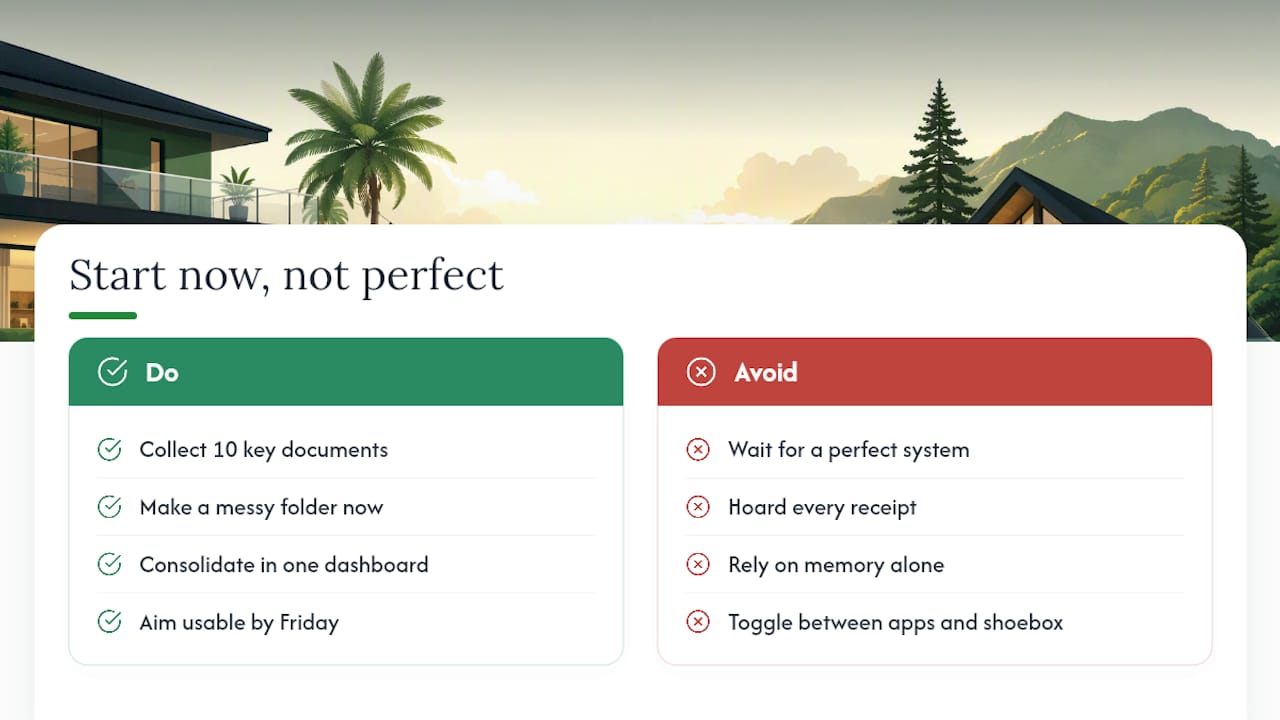
The real cost of skipping this isn't dramatic, it's death by a thousand small frustrations: forty minutes hunting for a warranty PDF, a contractor call that starts with "I don't remember the model number." A dashboard that consolidates property status, maintenance schedules, vendor contacts, and documents in one place can help reduce that friction by avoiding toggling between email, a spreadsheet, and a shoebox of receipts to answer one question.
Don't aim for complete. Aim for usable by Friday.
— Francisco
A Dashboard That Does the Binder Work for You
Building all of this by hand works, but it takes real weekends. There are ready-made dashboards available that cover the same ground as the checklist above, document vault, maintenance reminders, and vendor directory, without the folder-naming trial and error.

The setup maps almost exactly to the 30/60/90 plan: you upload documents and appliance photos in the first stretch, the platform's vendor directory replaces your scattered contact list, and recurring maintenance reminders take over where a paper calendar used to fall short. Every vendor you've worked with gets a profile you can revisit instead of a name buried in a text thread. Start with the free trial and see whether it fits your properties, and if you've got specific questions about how it handles multiple homes or a short-term rental, send a query and get a straight answer before you commit.
Templates and Guides Worth Bookmarking
For a ready-to-use starting point, download maintenance log templates instead of building one from scratch. If you manage a short-term rental, a house manual template covers guest-facing details a standard binder skips. For multi-property owners, a weekend project plan for warranties helps you tackle one asset class at a time.
Sources
- Home Binder: What to Include and How to Build One That Works
- How to Start a Home Binder for a New House | Homestery
- The Complete Guide to Creating Your Digital Home Record
- Best Way to Organize Rental Property Documents: A System That Still Works After 5+ Doors
FAQ
What Is a Property Binder Used For?
It stores a home's essential documents, maintenance history, vendor contacts, and reminders in one place so owners can find what they need without digging through email or old files.
Should I Use a Physical or Digital Property Binder?
A hybrid setup works best: keep legal originals like deeds and title insurance physically secured, and use a digital system for everyday searching, sharing, and mobile access.
How Often Should I Update My Maintenance Log?
Log each task right when it happens, filter changes, repairs, inspections, rather than trying to remember and batch-enter details weeks later.
What's the Fastest Way to Start a Property Binder?
Spend 20 minutes photographing appliance data plates and serial numbers, then build a one-page emergency summary. That alone covers the most common emergency lookups.
Can a Property Binder Help When Selling a Home?
Yes. A documented maintenance history and organized warranty records give buyers confidence the property was well cared for, which can support a smoother due diligence process. Platforms like Property Command Center keep that history in one dashboard so it's ready to share the moment a sale conversation starts.