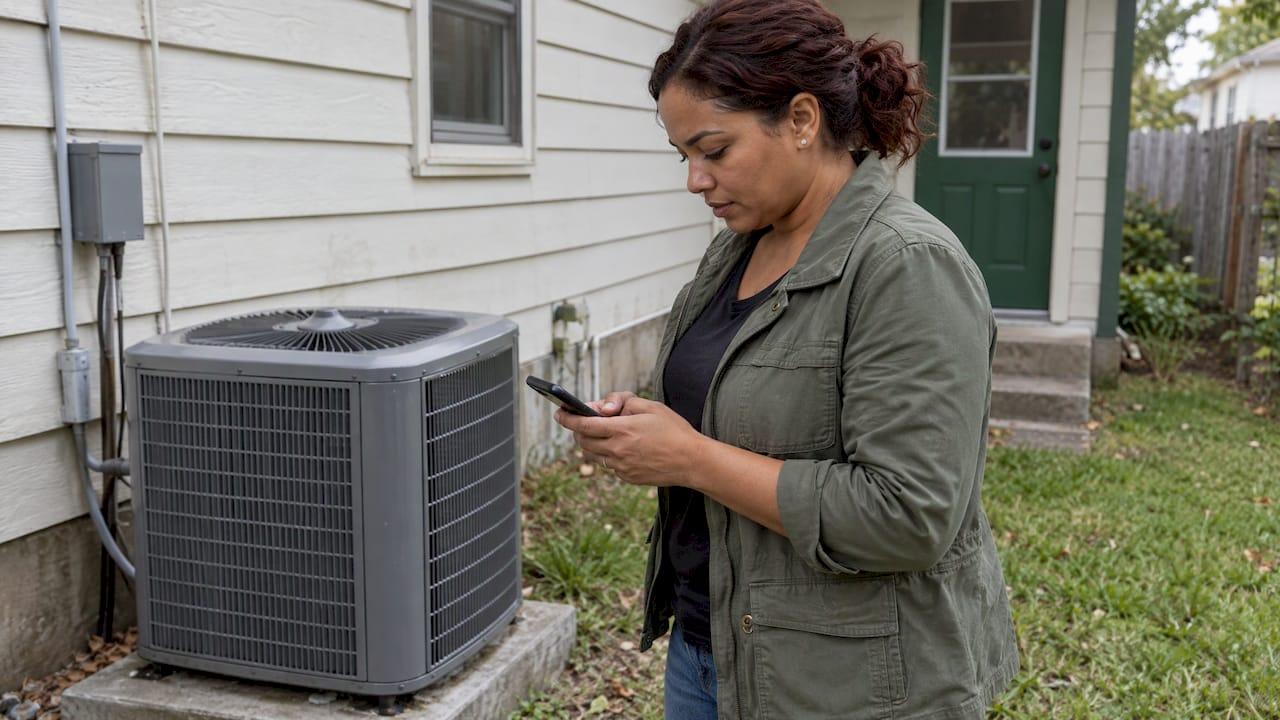
SMS alerts for maintenance are short text messages that reach you or your vendor the moment a property needs action: a leak, a failed HVAC unit, a missed service visit, an overdue inspection. They work when you keep them rare and specific. Reserve texts for problems that need a human within hours, send everything else to email or a calendar, and write each completed alert into the property's record so the next owner, vendor or insurer can see what happened.
This guide is for owners who run their own properties: landlords, vacation home owners and short-term rental hosts. It covers what deserves a text, who should get it, what the message says, the U.S. consent rules you should know, and how to keep a clean paper trail.
TL;DR
- Text only what needs action soon: water, heat or cooling failures, safety alarms, and a vendor no-show on urgent work. Keep routine reminders in email or your calendar.
- Name one person per property and per time window who owns each alert, so nobody assumes someone else saw it.
- Every text states the property, the problem, the action wanted and when the next update comes. Leave out guesses and long explanations.
- If you text tenants, guests or vendors with automated tools, get consent, identify yourself, and honor STOP requests.
- Log each alert, reply and completed repair in the property record. A repair that is not documented is hard to prove later.
Table of Contents
- What SMS maintenance alerts are and why owners use them
- Which maintenance events deserve a text
- Who should receive the alert
- What to put in a maintenance text, and what to leave out
- How to set up SMS alerts for one property or many
- Consent, privacy and opt-out rules in the U.S.
- Coordinating vendor replies and overdue work by text
- Record every alert and every repair
- Our perspective
- Keep alerts and records in one place
- FAQ
- Sources
What SMS maintenance alerts are and why owners use them
An email can sit unread for a day. A text is usually seen within minutes. That difference is the whole reason to use SMS for maintenance, and also the reason to use it sparingly. Once a phone buzzes for everything, you stop reacting to any of it.
For a property owner, a maintenance alert comes in three flavors:
- Incident alerts. Something broke or is about to cause damage: a water leak, no heat in winter, a smoke or carbon monoxide alarm, a power outage at a rental between guests.
- Schedule alerts. Something is due or overdue: furnace service, pool opening, gutter cleaning, a warranty expiring, an inspection date.
- Coordination alerts. Someone needs to reply: a vendor confirming a visit, an owner approving a repair estimate, a guest or tenant confirming access.
Only the first group, and some of the third, usually belongs on SMS. Schedule alerts are better served by a calendar and email digest, with a text reserved for the ones that have slipped past their deadline. If you want the full thinking on building alerts you will actually act on, our guide to property maintenance alerts walks through it.
Which maintenance events deserve a text
The test is simple: if nobody acts within the next few hours, does it cost money, cause damage or put someone at risk? If yes, text. If no, it can wait for a morning email.
Text immediately
- Active water leak, burst pipe, or a water shutoff notice affecting the property
- No heat during freezing weather, or no cooling in a hot climate at an occupied property
- Power outage at an occupied rental or at a vacation home with a sump pump or refrigerator running
- Smoke, fire or carbon monoxide alarm trips, and security alarm events
- A vendor who confirmed an urgent job and has not arrived
- A guest or tenant reporting an urgent problem that blocks the use of the home
Send to email or the calendar
- Routine filter changes and seasonal reminders
- Quarterly or annual service reminders that are still weeks away
- Warranty and insurance renewal dates
- Completed-work confirmations and invoices
- Status changes that need no action
The logic is the same one that security professionals apply to camera and sensor notifications: set thresholds so the alerts that arrive are the ones that matter. A good illustration is this piece on remote alerts in home security, which covers why alert thresholds and a clear owner for each notification keep people responding instead of tuning out.
Match the alert to the season
The list of urgent events shifts through the year. Freeze risk matters in winter, cooling failures in summer, storm damage in spring and fall. If you manage several homes, build the seasonal rhythm into your schedule first, then decide which items in it graduate to text status when they go overdue. Our host maintenance calendar and home maintenance calendar by month give you the base list to work from.
Who should receive the alert
The most common failure is not a missed text. It is a text that three people received and nobody answered.
Assign one owner per property for each time window, and write it down. For a self-managing landlord with two rentals, that is probably you, with a backup. For a vacation home you visit twice a year, it may be a local caretaker first, you second. For a host with several short-term rentals, it might be a cleaner or handyman on duty for check-in days, with you as the escalation.
A workable structure:
| Alert type | First recipient | Escalation |
|---|---|---|
| Active leak or outage | Primary vendor or caretaker | You, if no reply in 30 minutes |
| Safety alarm | You and the on-site contact | Emergency services, then you |
| Vendor no-show | You | Backup vendor |
| Repair estimate needing approval | You | Reminder text after a set time |
| Overdue scheduled service | You | Vendor reminder |
The thirty-minute window is an example, not a rule. Pick one you can stick to. The point is that every alert has a named first responder and a defined next step. Our guide to after-hours maintenance contacts shows how to build that contact list so the right person is at the top of it at 11 p.m.
What to put in a maintenance text, and what to leave out
A text has room for roughly one idea. Resist the urge to explain. The recipient needs to know where, what, what to do and when they will hear more.
The five fields
- Property. Use a short, unmistakable name: "Lake House" or "Unit 2, Maple St."
- What happened. One plain phrase: "Water on the basement floor near the water heater."
- Who is affected. Guests in the home, tenants, nobody.
- What you need. "Please confirm you can be there by 3 p.m."
- When the next update comes. "I will text again by 4."
For planned work, such as a scheduled shutoff or a vendor visit, add the exact date, start and end times, and time zone. That last detail matters more than it seems for vacation homes in a different zone from where you live.
Example messages
Urgent incident to a vendor:
Lake House: active leak under kitchen sink, water shutoff is closed. Can you be on site by 2 p.m.? Reply YES or NO. I will update you at 1:30.
Planned access to a guest or tenant:
Maple St Unit 2: HVAC technician visits Tue Dec 2, 9 a.m. to noon (Eastern). Please let us know if you cannot give access. Reply STOP to opt out.
Overdue service to yourself:
Beach House: annual furnace service is 14 days overdue. Vendor not yet booked. Open the record to assign.
Leave out
- Guesses about cause or cost before anyone has looked
- Blame, or anything you would not want read back in a dispute
- Sensitive data such as door codes, account numbers or full lease terms
- Anything that is not needed to act
Send the first notice even when you do not yet know the cause or the fix. A short "we know, we are on it, next update at 4" beats silence.
How to set up SMS alerts for one property or many
There is no single product that does this for every owner. What matters is the process. Here is a setup that works whether you send texts by hand from your phone or use a tool.
Step 1: List your properties and their critical systems
For each property, note the systems whose failure causes real damage: plumbing and water heater, heating and cooling, electrical panel, sump pump, roof, pool equipment, security and alarms. Keep model numbers, install dates and warranty documents with it.
Step 2: Decide which events earn a text
Use the lists above. Write your own version in one page. Anything not on the list goes to email or your calendar.
Step 3: Name the owner and backup for each property
Record names, phone numbers and the hours each person is available. Check that your vendors know they are the first call, and agree how they will confirm: a reply to the text, a call, or both.
Step 4: Draft templates
Write three or four message templates in advance: urgent incident, access notice, overdue service, estimate approval. Saving them as notes on your phone is enough to start, and they cut the time to send at a stressful moment.
Step 5: Set the schedule underneath
The best text is the one you never need to send because the maintenance happened on time. Build a calendar of recurring tasks first, with two simple checks to start. Our maintenance calendar setup guide shows how.
Step 6: Test and review
Send a test text to every recipient, make sure it arrives, and ask them to reply. After the first month, review which alerts were useful and which were noise, then cut the noise.
Consent, privacy and opt-out rules in the U.S.
Texting yourself or a caretaker you phone by hand is one thing. Sending automated texts to tenants, guests or vendors raises legal questions. The notes below are general information, not legal advice. If you send texts at scale or are unsure, talk to an attorney who handles telecommunications or landlord-tenant law.
Consent. The FCC says that texts sent to mobile phones using an autodialer generally require prior consent, with an exception for emergency purposes. Under the FCC's stated rule, commercial texts need written consent, while purely informational texts may rely on oral consent. A maintenance notice to a tenant is informational, but the line can blur if you add anything promotional.
Err on the side of written consent. The National Apartment Association has advised that written consent is the safer course even for informational resident texts. Its guidance, published in 2018, also recommends identifying yourself as the sender, explaining what messages to expect, stating that consent is not a condition of renting, and disclosing expected frequency and possible carrier charges.
Opt-outs. For SMS programs generally, one commonly cited compliance guide recommends clear help and STOP instructions, and honoring opt-outs as soon as possible, no later than 10 business days. In practice, treat a STOP as immediate. Keep a phone call or email route open for any urgent safety notice they still need to receive.
Registration. If you send business texts through a software tool to U.S. local numbers, carriers expect registration under A2P 10DLC. One platform's documentation explains that registration requires identifying the business, the campaign use case, a responsible contact and sample messages, and that unregistered messages are more likely to be filtered. If your texts from a tool are not arriving, this is a first thing to check.
Privacy. Keep texts lean. Do not send passwords, lock codes or financial details by SMS, and keep personal data about tenants and guests in a place with controlled access, not scattered across phones and inboxes.

Coordinating vendor replies and overdue work by text
Alerts are only half the loop. The other half is the reply.
Ask for a specific response. "Reply YES to confirm 2 p.m." is easier to answer and easier to track than "Let me know." Ask for a time, not a vague promise.
Set a follow-up clock. If a vendor does not reply to an urgent request within the window you set, move to the backup vendor. Tell the first vendor you have done so.
Get approval fast on costly repairs. When a repair needs your sign-off, a text with the estimate amount, the scope and a yes or no reply can unlock a time-sensitive job. Follow up with the written estimate for your record.
Track what is overdue, not just what is urgent. A missed service interval is a quiet problem that turns into an expensive one. A weekly look at everything past due across your properties catches it. If you run rentals, our short-term rental maintenance cadences lay out which checks to run daily, weekly, monthly and seasonally, and our 90-day landlord maintenance plan covers the responsibilities you are expected to keep up with.

Record every alert and every repair
A text thread is not a maintenance record. Phones get replaced, threads get buried, and a dispute with a tenant, a vendor or an insurer can show up months later.
The American Association of Landlords recommends logging the date, property or unit, issue description, action taken, the person responsible, the status and notes, with photos, receipts and communication records attached. Apply that to each alert:
- Alert sent: date, time, recipient and message text (a screenshot is fine)
- Reply received: who responded and what they committed to
- Work done: vendor, date, what was found and fixed
- Proof: before, during and after photos, the invoice and any warranty paperwork
- Closed: the date you confirmed the issue was resolved
Take photos during the repair, not just after. What a plumber finds behind a wall is exactly what an insurer asks about later.
Our perspective
Most owners we talk to do not have an alert problem. They have a memory problem. The water heater was installed in 2019, the warranty PDF is in an old email, the plumber who fixed it last time is a contact on someone's phone, and the service was supposed to happen in the spring.
A text can tell you something is wrong. It cannot tell you what happened last time, who fixed it, or where the paperwork is. That is why we built Property Command Center around the record first. When each property has one living file with its maintenance history, documents, vendors, tasks and reminders, an alert becomes useful because you can act on it in a minute instead of hunting for the facts.
Our approach is to keep what you already have, in spreadsheets, Drive, Gmail and PDFs, and organize it so the right information is at hand when something needs attention. Alerts should be few, specific and tied to a record you trust.
Francisco
Keep alerts and records in one place
If your property information lives in spreadsheets, email threads and a folder of PDFs, the alert is the easy part. Finding the vendor, the warranty and the last service date is the hard part. Property Command Center brings those pieces into one record per property, with tasks, reminders and alerts built around what you track.
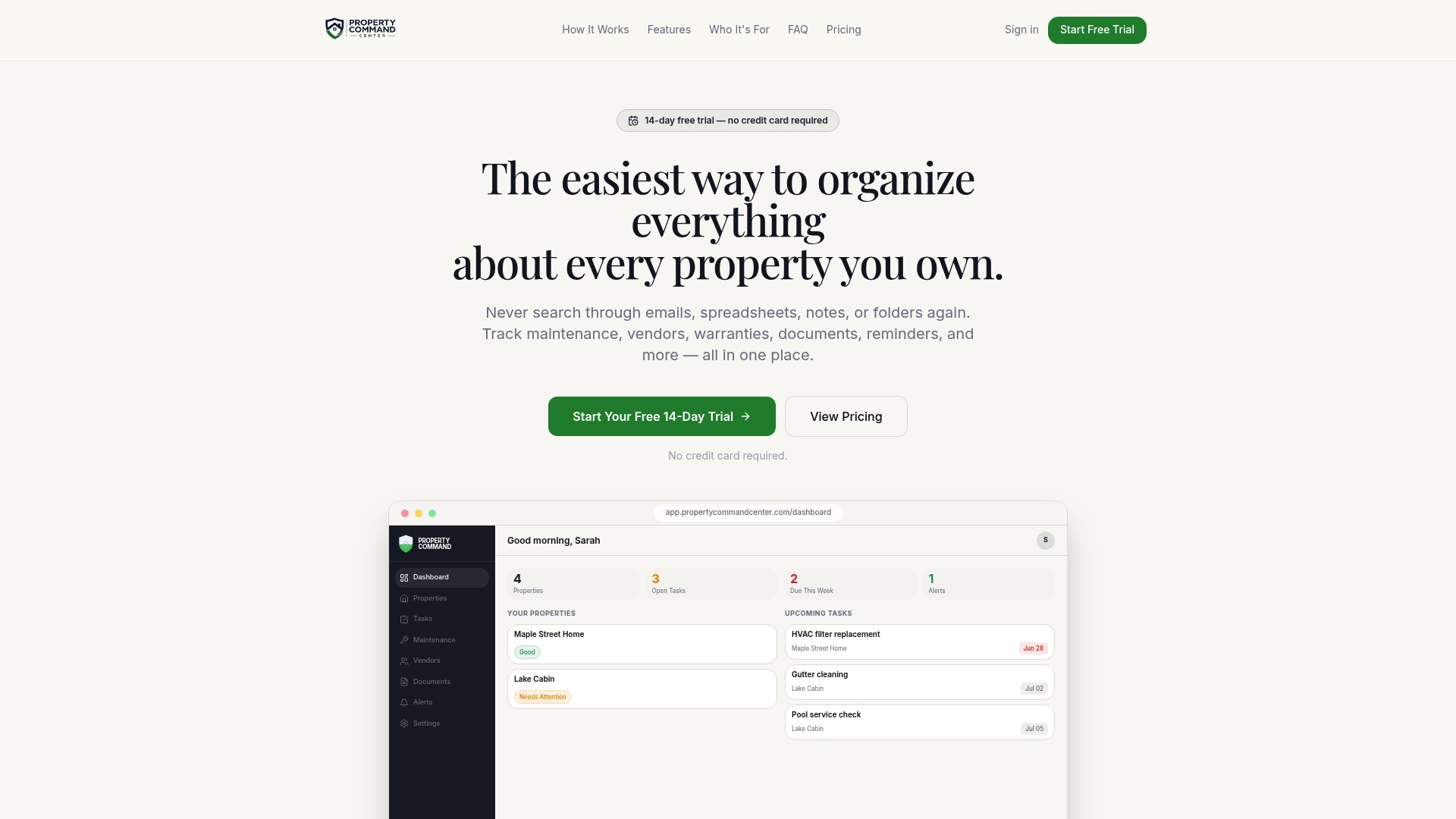
Plans start at $19 per month for Starter, and Pro is $49 per month, with a 14-day free trial and no credit card required. You can compare them on the pricing page and bring in your existing files with Smart Setup.
FAQ
What do SMS alerts for maintenance mean?
They are text messages sent when a property needs attention, such as a leak, an outage, a vendor delay or an overdue service. They work best for time-sensitive issues. Routine reminders usually belong in email or a calendar so urgent texts stay noticeable.
Do I need consent to text my tenants about repairs?
If you use an autodialer or automated tool, the FCC generally requires prior consent for texts to mobile phones, with an exception for emergencies. Many housing industry groups recommend written consent even for informational texts. Ask an attorney if you are unsure about your situation.
How many maintenance texts are too many?
If you or your vendors start ignoring them, you have too many. Limit texts to events needing action within hours, and move reminders and status updates to email. Review monthly and cut any alert nobody acted on.
How do I stop receiving or sending SMS alerts?
For texts you receive, reply STOP to the sender or change notification settings in the tool that sends them. For texts you send, honor any STOP reply right away and record it. Keep another way to reach people about urgent safety matters.
Sources
- Stop Unwanted Robocalls and Texts, Federal Communications Commission
- Are Your Texting Programs FCC Compliant?, National Apartment Association
- Understanding US SMS compliance laws, Klaviyo Help Center
- FAQs and Glossary for A2P 10DLC, ActiveCampaign Help Center
- Free Maintenance Log Template for Landlords, American Association of Landlords
- The Role of Remote Alerts in Home Security