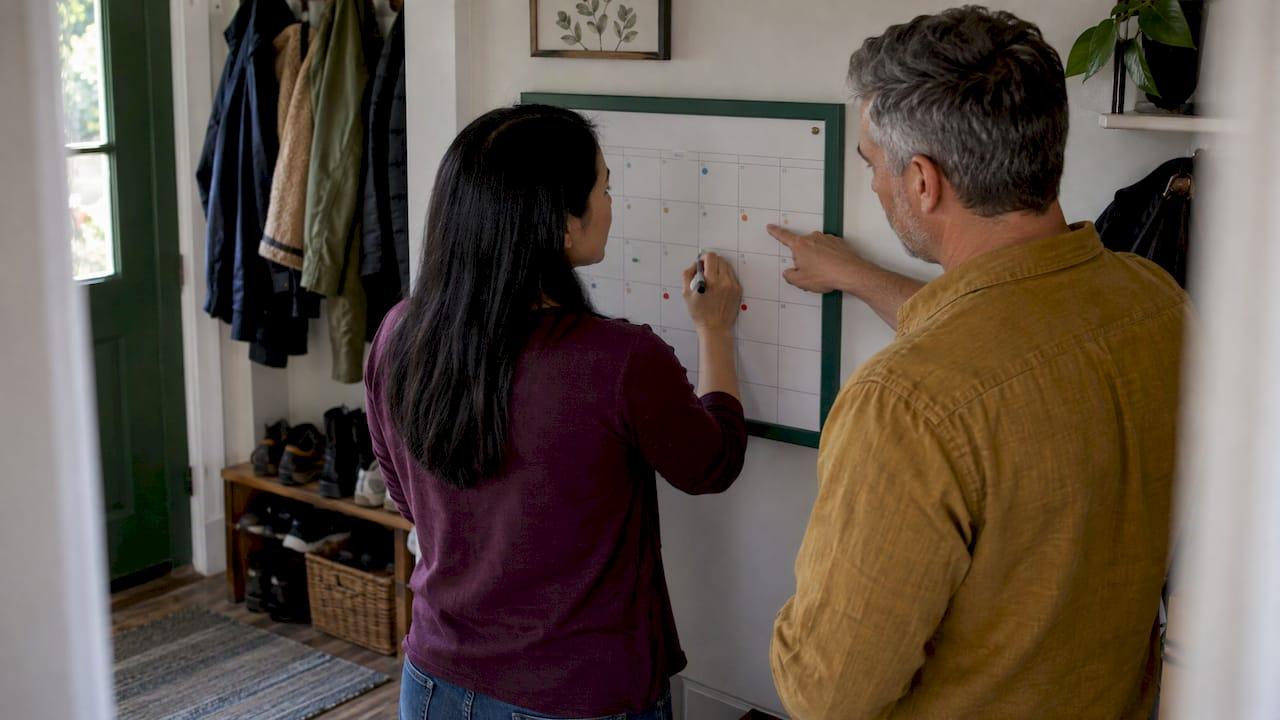
A shared maintenance calendar works when every task has one named owner, a due window, a reason, and a pointer to the records behind it. Everyone in the family can see it, and one short review keeps it current. You can build the basic version in Google Calendar in an afternoon. If you own more than one home, you will eventually want the calendar tied to your documents, vendors and service history. This guide covers both.
TL;DR
- Give every task one accountable owner and a backup, not a vague household label.
- Sort tasks into monthly, seasonal and annual groups, and mark safety items so they never sit in the same list as cosmetic projects.
- Keep only the essentials in the calendar entry (task, owner, due window, link to the file) and store manuals, receipts and service reports in one record location.
- Hold a 15-minute monthly review and use reminder lead times that match the job.
- With several properties, use one calendar per property or one tool that keeps every property's tasks and records together.
Table of Contents
- What a family maintenance calendar should include
- Who owns what: dividing the work
- Setting it up in Google Calendar
- What to schedule, and how often
- Rules that vary by state
- Keep records, warranties and vendors attached
- Keeping it alive across several properties
- Our perspective
- Try it with your own properties
- FAQ
- Sources
What a family maintenance calendar should include
A family calendar full of soccer practice and dentist visits is about time. A maintenance calendar is about the condition of a building. That changes what each entry needs.
A useful entry has five parts:
- The task, named specifically. "Inspect return air filter; size in notes" and "Book furnace service before heating season" are different jobs. Writing "service HVAC" hides that, as one home-maintenance guide points out.
- One owner. A name, not "the family."
- A due window. A date range often fits better than a single day for seasonal work.
- A reason. Writing the purpose beside the task (keep drainage clear, check an alarm, keep a filter usable) helps the next person understand why it exists, as maintaining.ca advises.
- A pointer to the evidence. A link to the manual, the last invoice or a photo.
Two habits keep the list honest. First, only add tasks that apply to your house. Generic checklists are good prompts, but they can include work you don't need and miss tasks your particular equipment, climate or lease requires. Walk through the home with the manuals and recent service records in hand and add tasks you can tie to a real source. We keep a printable home maintenance checklist for that walkthrough.
Second, label safety work separately. Smoke and carbon monoxide alarms, blocked exits, damaged cords and water leaks should not compete with repainting the guest room. A visible priority tag, or a dedicated color, makes sure they get done first. If you are unsure how to rank repairs, our home repair priority list explains which problems cause the most cascading damage.
The same principle applies outside houses. Facilities teams build their plans from a physical walkthrough, as in these elevator cleaning steps, and your house deserves the same property-specific approach.
Who owns what: dividing the work
The most common failure of a shared calendar is that everyone can see the task and nobody owns it. Assign each maintenance task to one accountable person. Others can approve spending or help, but they don't share accountability. That is the approach in a co-owner maintenance process: list the task, set priority and timing, assign one owner, note approval requirements, update status and record completion.
Ownership means the full loop. The owner remembers when the task is due, schedules it or does it, confirms it is done and flags problems found. Nobody else has to ask, remind or follow up. This idea comes from a couples maintenance guide, and it is the difference between a calendar that works and one that produces nagging.
In a family, sort tasks by who can safely do them:
- Adult inspection: testing alarms, checking under sinks, looking at the water heater.
- Tasks kids can help with: swapping a flashlight battery, wiping a range hood filter, bringing in hoses.
- Qualified professional only: gas furnace inspection, chimney work, electrical repairs, roof work.
Name a backup for anything urgent. If the owner is traveling, the backup knows the task is theirs.
Visibility matters as much as assignment. A system only one adult understands is just a more organized version of one person carrying everything. Make the calendar something every adult opens, and the mental load spreads.
Setting it up in Google Calendar
Google Calendar is free and most families already have it. A home maintenance guide for Google Calendar recommends a dedicated calendar for maintenance, the Repeat option for recurring jobs, detailed notes in the description and sharing with family members. Here is a practical sequence:
- On a computer, create a new calendar called "Home Maintenance" (or one per property, named by address or nickname).
- Open the calendar's settings and share it with each family member's Google account. Choose the permission that lets them make changes if they should reschedule their own tasks. One walkthrough describes the "Make changes and see all event details" setting for this.
- Create recurring events for monthly, quarterly and annual tasks.
- Put the owner's name at the start of the title, for example "[Dana] Test smoke and CO alarms."
- Add the reason, the filter size or part number, the vendor's phone number and a link to the file in the description.
- Set reminders that match the job. A technician visit needs about a week of lead time, a light bulb needs a day, and a week's notice for seasonal items like weatherstripping prevents the discovery that something was due two months ago, according to one household planning guide.
Know what the tool does not do. Sharing in Google Calendar works per calendar, not per event. Nothing marks a chore as belonging to one person, records who finished it or rotates it between family members. A repeating event repeats identically. That is why the owner's name goes in the title, and why completion should be recorded somewhere, such as a note or a linked log.
If you want the sequence worked out for a first property, our 90-day maintenance plan for small portfolios shows how to stage it, and Maintenance Calendar Setup covers the two checks to make before you start.
What to schedule, and how often
Use three groups: monthly (quick, easy-to-remember checks), seasonal (weather-driven work) and annual (larger reviews, inspections and professional appointments). Beyond calendar dates, there are also condition triggers: a leak, a new noise, or a sudden change in how fast the dryer works. These belong in the calendar as a standing note to act when you see them, not on a date.
Here is a sample drawn from published checklists. Treat it as a starting prompt and confirm intervals against your own manuals and climate.
| Frequency | Example tasks | Typical owner type |
|---|---|---|
| Monthly | Test smoke and CO alarms, check under sinks for leaks, check the HVAC filter, inspect the fire extinguisher | Adult |
| Quarterly | Replace the HVAC filter, oil garage door parts, test GFCI outlets | Adult, with help |
| Annual | Professional HVAC service, water heater flush, full roof inspection, chimney inspection | Adult books a professional |
The monthly, quarterly and annual examples come from a homeowner checklist. For seasons, a US homeowner maintenance manual lists winter tasks such as cleaning exhaust fans, inspecting fireplaces and chimneys, checking detector batteries, insulating pipes and winterizing outdoor faucets. Its spring tasks include replacing furnace filters and checking for plumbing leaks. In fall, it calls for a licensed professional to inspect the gas heater or furnace, plus gutter cleaning.
Record where each interval came from, whether a manual, a technician's advice or a checklist. Then you can revisit it later. Seasonal labels are planning aids, not rules, since climate and use change the timing.
For a month-by-month layout, see your home maintenance calendar by month. Hosts with short-term rentals can use the four-season host calendar, which accounts for guest turnover.
Rules that vary by state
Some inspection rules are local, so check yours. Most states require smoke alarms in residential buildings, and new or renovated homes typically need hardwired, interconnected alarms with battery backup. Carbon monoxide alarms are broadly required in homes with fuel-burning appliances, fireplaces or attached garages, according to a state-by-state summary. Many states specify or encourage 10-year sealed batteries.
The details can be strict. In New Jersey, resale inspections require smoke alarms less than 10 years old on every level and in every separate sleeping area, and only ten-year sealed battery alarms are accepted for standalone units. If you sell, rent or buy, ask your local fire marshal or building department what applies. Put the alarm replacement date in the calendar as its own task, with the manufacture date in the notes.
Keep records, warranties and vendors attached
A calendar tells you what is due. It cannot hold your manuals, receipts and service reports without becoming cluttered. A sound split is to keep the minimum coordination details in the calendar (task, owner, due window and a safe pointer to the supporting file) and keep documents in a protected household record location.
What to store together:
- Receipts, warranties and service notes for each appliance and system.
- Trusted professionals' names, phone numbers, websites, service dates and notes on past work.
- Photos of completed work and the model and serial numbers of major equipment.
This family planning guide makes the same point and suggests reviewing the plan every January. When you share files, share them carefully. Our four-step system for sharing home information explains how to give family access without exposing everything. To build a history that stays useful, our guide to tracking service history with six fields is a good template.
Keeping it alive across several properties
One home is manageable with one calendar. With a vacation home, a rental or a parent's house, three problems appear: tasks blur together, access gets complicated and updates lag.
Separate by property. Use one calendar per property, or one tool where each property keeps its own tasks. Color by property, tag by type (safety, seasonal, repair, vendor visit), and the combined view still reads cleanly.
Set access on purpose. Give edit rights to those who own tasks and view-only access to everyone else. A family member who only needs to see when the plumber is coming doesn't need to rearrange the annual schedule.
Meet on a schedule. A 15-minute review on the first weekend of each month works as a sync point: check what is coming due, confirm what got done and reassign anything that needs to move. Some families prefer a five-minute weekly check-in instead. Either one beats a system with no habit.
Keep it in one place. If maintenance sits in one tool, tasks in another and documents in a third, you recreate the scatter you were trying to fix. The value comes from one complete view.
Make it visible. A printed checklist on the refrigerator or a shared phone calendar both work. The plan should be specific enough to be useful but flexible enough to survive a chaotic week.

If you are managing multiple homes, our guide to automating property tasks in a weekend shows how to cut repeated data entry, and rental property maintenance schedules and recordkeeping covers the landlord side.
Our perspective
Most people start with a calendar because it is free and familiar. We think that is the right start. But we see the same pattern among owners with more than one property: the calendar holds the dates, while the knowledge lives somewhere else. The warranty is in an email, the vendor's number is in a text thread, and the last service date is in a spreadsheet nobody has opened since spring.
Property Command Center is built around that gap. It is designed to organize what owners already have, from spreadsheets, Google Drive, Gmail, PDFs and notes, into a living record for each property. That record includes maintenance history, documents, vendors, tasks and reminders. Smart Setup is designed to help extract information from existing files and emails, so you don't retype everything, and portfolio import brings in several properties at once.
Our view is that a shared calendar is the visible tip of a shared property record. When family members can see the task, who owns it, who did the last repair and where the warranty is, nobody has to ask the one person who remembers.
Francisco
Try it with your own properties
If your calendar is already hitting its limits, Property Command Center brings your tasks, reminders, vendors, warranties and documents into one record per property. It is built for owners of homes, vacation rentals and second homes, not for property managers or rent collection. You can start with a 14-day free trial, no credit card required. After that, plans start at $19 per month for Starter, and Pro is $49 per month. See the plans and pricing for what each includes.
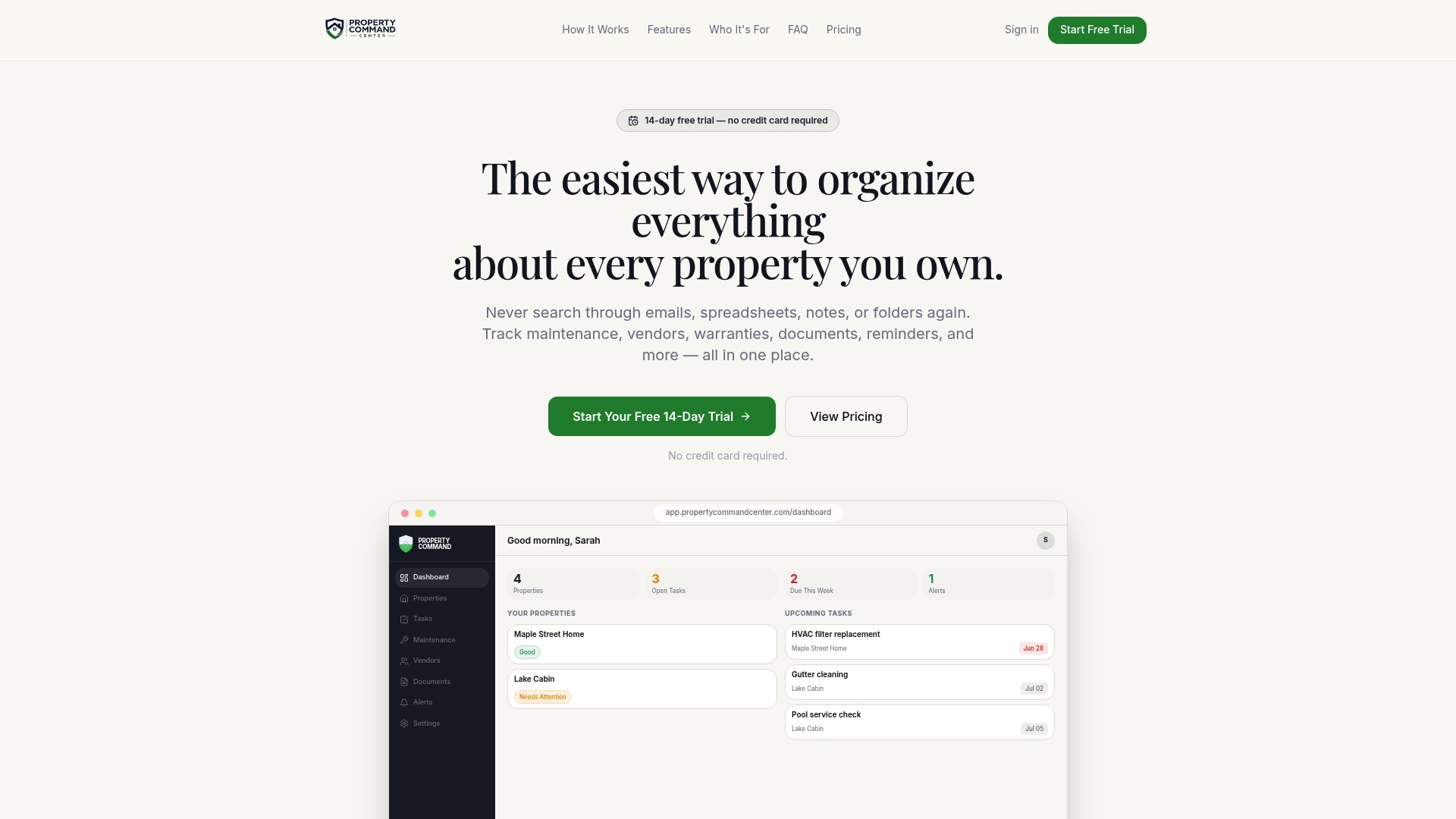
You can also ask questions about a property's records with Property Query.
FAQ
How do I share a maintenance calendar with my family?
Create a dedicated calendar in Google Calendar, then add each family member's Google account in the sharing settings. Pick the permission level that matches their role: edit rights for task owners and view-only for everyone else. Put each owner's name in the event title so assignment is clear.
Should maintenance go on the main family calendar or a separate one?
A separate calendar is usually cleaner, because maintenance tasks are numerous and recurring, and they bury school and social events. Family members can still overlay it on their main view. If you own several homes, one maintenance calendar per property keeps them from mixing.
How often should we review the calendar?
A 15-minute monthly review works for most households: check what is coming due, confirm what got done and reassign anything that needs to shift. Add a fuller review each January to update intervals, retire tasks and add new equipment.
What should I do when no one completes a task?
Treat it as a signal about ownership, not blame. Check whether the task had a single named owner, a realistic due window and enough reminder lead time. Then reassign it or move it to the backup owner. For safety items, such as alarms, act right away.
Sources
- Home maintenance schedule guide, HomeSaver
- A care calendar that fits your home, maintaining.ca
- How property co-owners can assign and track shared maintenance responsibilities
- Couples home maintenance tracker guide
- Creating a home maintenance schedule in Google Calendar
- Sync family chores to Google Calendar
- How to plan home events, repairs and tasks
- Home maintenance checklist, Opendoor
- Homeowner Maintenance Manual
- Smoke and carbon monoxide alarm requirements by state
- Residential resale inspection, Borough of Sayreville
- Creating a family home maintenance plan that works